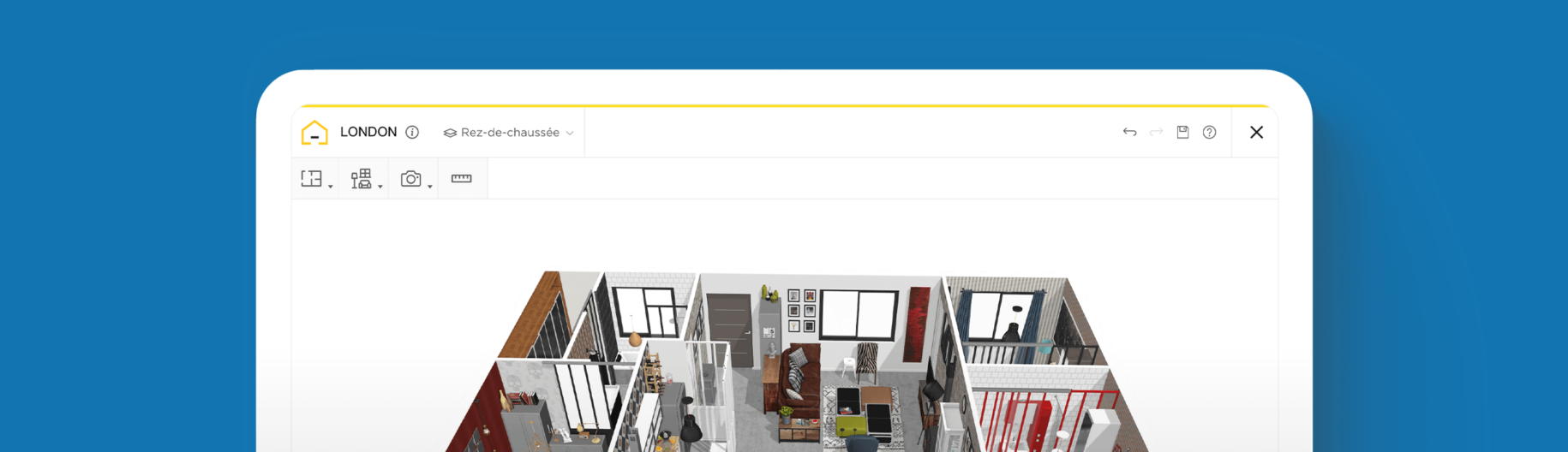
What is a floor plan? Everything to know about floor planning!
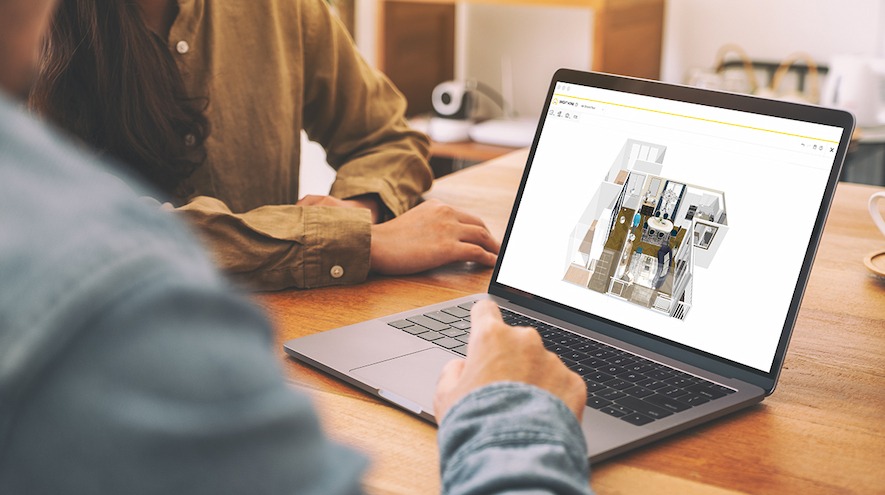
Design and configure the layout of your home
Visualize your final design in 2D or 3D
Communicate measurements and structural features
You’ve heard that you need to begin your 3D project with a floor plan but don’t know much about it? Discover here what is a floor plan!
Floor plan meaning
A floor plan is a bird’s eye view diagram of a home or property. Its purpose is to illustrate the design of the property and it therefore includes structural and design details such as walls, windows, doors and stairs as well as fixed kitchen appliances and bathroom fittings.
A floor plan is drawn to scale and should include measurements such as surface areas and communicate the purpose of the different rooms. Floor plans can include outdoor areas and are either furnished or empty depending on the intended use of the floor plan.
Read also How to create a floor plan
What types of floor plans exist?
2D floor plans
2D floor plans show the basic outline of a property including walls, doorways, windows and entrances. This type of floor plan shows the layout of the rooms very clearly, and is a flat drawing, showing the property from above, without any depth. 2D floor plans can be sketched by hand or created online. Some tools even allow an easy export of your 2D drawing.
Find out more about 2D floor plans.

3D floor plans
3D floor plans present a property’s design, layout and configuration in 3D. 3D floor plans often show the property from an angle and include the dimension of height into the drawing. The added depth means that details including furniture and decor are easier to visualize in a 3D floor plan. 3D floor plans can be enriched with objects such as furniture and decorative elements for a more realistic view.
Find out more about 3D floor plans.
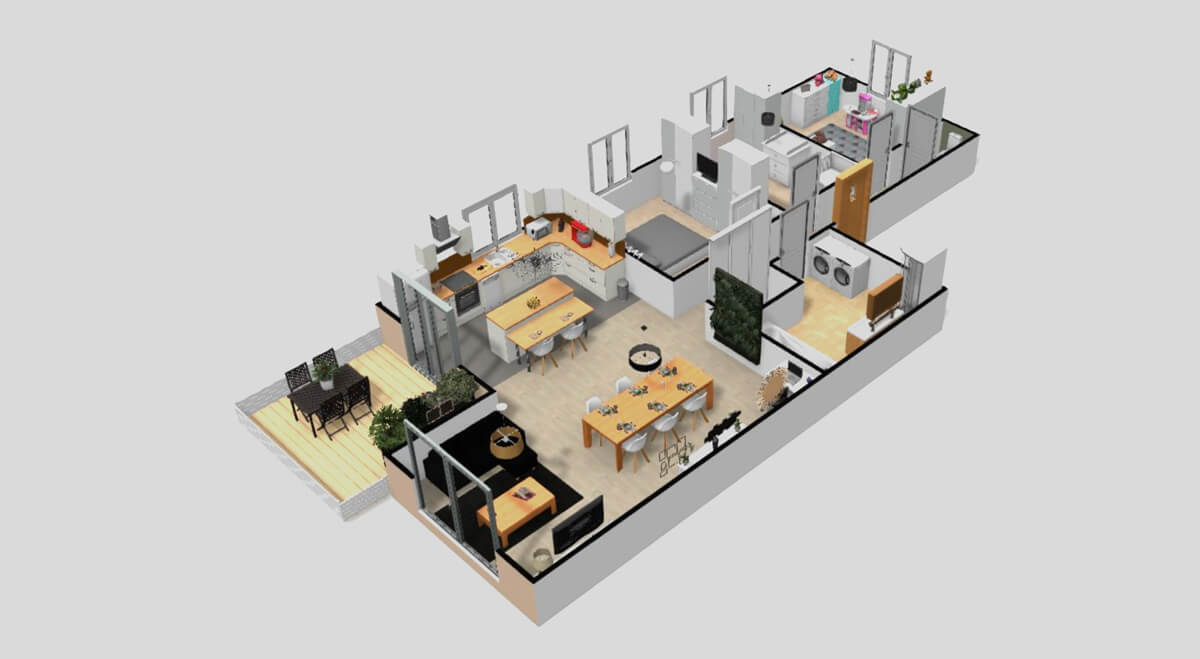
First-person perspective or a live 3D Floorplan
The first person viewing mode allows you to enjoy a virtual tour of your floor plan. Envisage yourself in the space from a first-person perspective and make informed design decisions before starting your renovations. A live 3D Floorplan is the best way to know if your design suits you! With the right tool (software or app), you can walk through your design as if it were already built.
Find out more about live 3D Floorplan.

Why create a floor plan?
Floor plans are incredibly useful to create spatial awareness when designing an interior and to ensure the proper circulation of a chosen layout.
Used by professionals or for personal use, floor plans assist in home and office renovations, interior design, architectural design, building construction and real estate publications.
Floor plans are the foundation for home remodelling projects. They enable you to communicate your vision with designers and builders, resulting in more exact quotes and a better understanding of your project by everyone involved.
Use your floor plan to help you configure the layout of your furniture in your home or office, before making expensive purchases, which can be costly to return.
Floor plans are often used to demonstrate a property in real estate listings, which is particularly useful when buying a brand new home directly off the plan. Floor plans are important for home remodelling projects and redesigns in order to create a clear strategy.
How to create a floor plan?
Fortunately, with today’s technology, creating a high-quality floor plan is a quick and simple task. Anyone can draw a floor plan with the home design software HomeByMe, if you take a few minutes to learn the basics before starting. Choose between the DIY option of creating your own floor plan from scratch using our software or enlist our services to have it created for you, from a rough drawing. Once your floor plan is created, easily personalize your design using the HomeByMe library of styles and materials to find the decoration that best suits your needs.
Further information:
Floor Plan examples to inspire you!
Bathroom Floor Plan
Choose your bathroom style, from ultra modern to classic, and select corresponding bathroom fixtures from our product catalog. With multiple versions of layouts available, you can quickly compare and decide what works best.

Kitchen Floor Plan
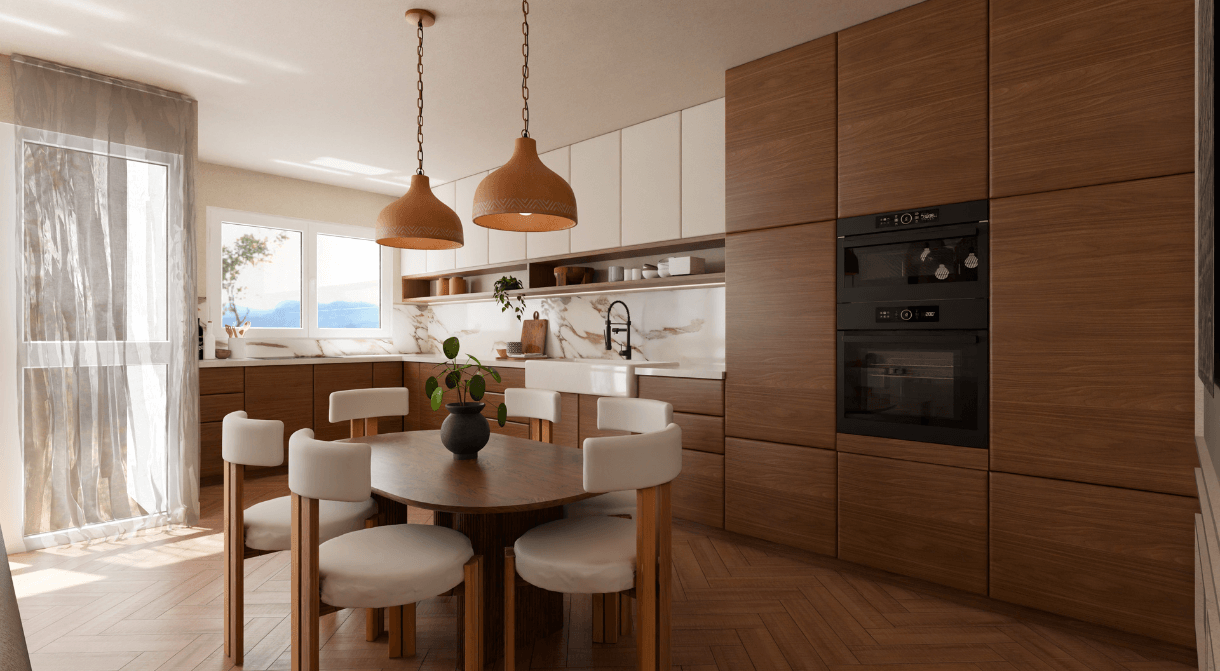
Depending on the layout of your room, you can choose between several kitchen configurations including open-plan, L-shaped or U-shaped. Selecting material finishes such as wood or marble can completely change the atmosphere of your kitchen.
Bedroom Floor Plan
If you are transforming your bedroom, select from a range of wallpapers and paint colors to match your style. A planner tool will help you organize your furniture and get the right circulation.

No matter your preferred design style, you will be sure to find ideas for your project in our Inspiration page. Visit industrial-style lofts, farmhouse kitchens, minimalistic Scandinavian living rooms, vibrant bohemian bedrooms, and sleek, modern bathrooms to help get your ideas flowing. You are an interior design professional and looking for a 3D tool to fulfill your customers? Our new HomeByMe Pro section will meet all your needs!
With powerful 3D design software like HomeByMe, interior design project managers can keep projects organized and on track from start to finish, ensuring a successful and visually stunning outcome. Try HomeByMe today for free to see how it can benefit your clients, team, and creative business.
When using HomeByMe, each user can try out multiple layouts, save great ideas, and test them on any device. Whether you want to test a new bedroom design or prepare a living room renovation, the software offers flexible options.
The HomeByMe Pro platform also includes advanced pricing features for professionals, allowing every user to manage project budgets effectively. With its integrated 3D model builder and asset library , creating different floor plan versions becomes seamless. Users can even download ready-to-use templates. HomeByMe helps you generate accurate 3D models quickly and easily—perfect for professionals or homeowners alike.
Discover also :
- All about Interior Design Trends
- Interior designer tools: the must-have list
- Inspiring Modern bedroom decor
- How to Manage Interior Design Projects
- How to draw bedroom plans
- Make DIY furniture with online 3D solution
- Create architectural designs house plans in 3D
- How to design a home using online software
- How to draw a bathroom in 3D
- How to draw small house plans
- How to get the best bedroom design?
- How to make a 3D kitchen design
- 8 tips to optimize home interior design
- How to redesign a bedroom
Floor Plan Basics
Creating a floor plan begins with understanding the dimensions and layout of the property. Start by measuring the walls, doors, and windows, and then draw an outline of the space to scale. Today, most designers use specialized software that allows you to build precise 2D or 3D plans quickly. With tools like HomeByMe, you can also add furniture, materials, and decorative elements to visualize the finished design before starting any renovations.
For beginners, it is important to choose a floor plan creator that is intuitive, reliable, and offers professional-quality results without requiring advanced technical skills. HomeByMe is a perfect floor plan creator for beginners, as it combines a user-friendly interface with powerful design features. It allows new users to explore layouts, test furniture arrangements, and create high-quality 3D models, all within an accessible platform.
A house plan is a complete set of construction documents that includes structural details, elevations, roofing, and technical specifications necessary for building a home. A floor plan, on the other hand, focuses specifically on the layout of interior spaces. It provides a scaled diagram showing the arrangement of rooms, doors, windows, and furniture. In interior design, floor plans are essential for visualizing space organization, while house plans are used primarily for construction purposes.


Use a floor plan to manage your home remodelling project from start to finish. Easily visualize your design and access technical information.
Design and configure the layout of your home
Visualize your final design in 2D or 3D
Communicate measurements and structural features
Need a helping hand?
From 14.99€, give us your plan and our team will create your 3D project. Then you’ll only have the fun part left: decorate your house!

Start for free!