How to take a virtual tour of your 3D floor plan?

Take a 3D walkthrough of your floor plan
Choose the right furniture using AR technology
Use VR technology to design and visit your home
After drawing your dream home it’s time to view it from a real life perspective! Learn how to take a virtual tour of your 3D floor plan.
| Key Takeaways :
HomeByMe’s first-person viewing mode lets you take an interactive virtual tour of your 3D floor plan, move from room to room, adjust the viewing angle and avatar height, and immediately see design changes. |
How to tour your 3D floor plan:
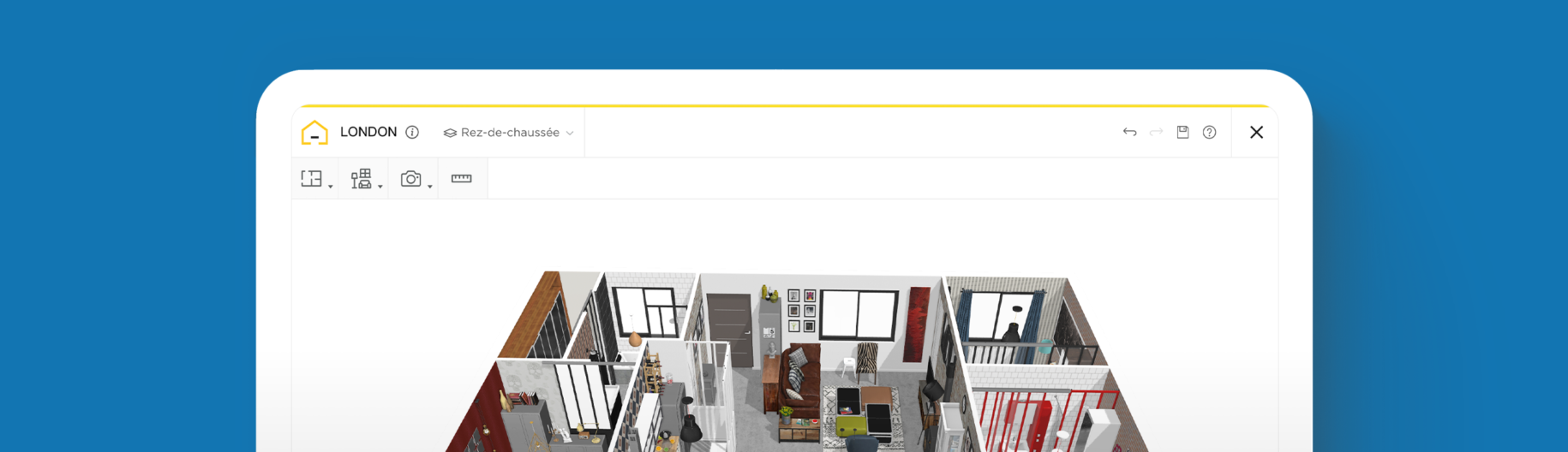
The first-person viewing mode allows you to take a virtual tour of your 3D floor plan. The 3D graphics move seamlessly as you move your avatar from room to room. Adjust the height of your avatar to view the floor plan as you would in real life. Click in a space to advance or change direction. Drag up or down to adjust the viewing angle of the room; to visualize the ceiling or floor of your 3D project.
The first-person viewing mode is an interactive way to view your design project. Use this perspective to project yourself into your new space and test the circulation of a property. Make adjustments to your project and view them immediately in the first-person viewing mode, due to HomeByMe’s 3D rendering technology. The virtual tour feature of HomeByMe’s 3D floor plans is loved by those planning personal home renovation projects.

Why use HomeByMe to draw and visualize your 3D floor plan?
If high-quality graphics, an intuitive interface and shareability are important factors when choosing a floor plan design software, then look no further.
HomeByMe’s 3D rendering technology enables you to immerse yourself in your project as if in real life. The simple and intuitive software allows you to move seamlessly through your 3D floor plan and drag to view different angles of your project, for a complete view of your space.
Switch between the 2D and 3D viewing modes to edit your project. Any changes you make will be immediately reflected in the first-person viewing mode.
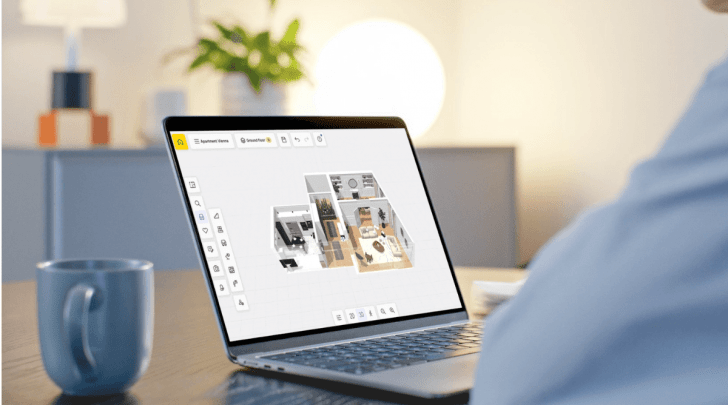
Access the first-person viewing mode for free when creating your HomeByMe projects, which are available anytime via the HomeByMe website. Take a virtual tour of your 3D floor plan online via computer or mobile device and then share your final design.
Easily share your project with your friends and family, so they can take their own virtual tour of your property. Share your 3D floor plan via social networks and in the HomeByMe Inspiration page to gather feedback from the HomeByMe community. HomeByMe’s first-person viewing mode allows you to communicate your floor plan ideas with project associates and lets them immerse themselves in the new space before providing feedback.

360° view
Create a 360° image with HomeByMe in order to visualize your design from all angles. Using your computer, smartphone or tablet, you can zoom and rotate to see the room from a first-person perspective. 360° images are helpful when making design decisions, like choosing furniture, fixtures and finishes. Making a 360° image is easy: simply order it on the HomeByMe website, click to create a 360° image of your project and receive it by email. Once you’ve received your image, you can instantly share it online with friends and family.

Augmented Reality
HomeByMe offers the possibility to design your home with Augmented Reality. Furnishing your home is so much easier when you can visualize the furniture in its place before buying it. Using our specialized application, simply select a piece of furniture from HomeByMe’s product catalog, scan your room using your iPhone or iPad, and view the furniture as it would look in your home. If you need a second opinion, you can take a photo within the app and share it online with friends and family.
Virtual Reality
HomeByMe’s Virtual Reality (VR) experience takes your design process to the next level. Using a VR headset, such as the Oculus Rift or HTC Vive, you can truly immerse yourself in your project, both during the design phase and afterwards, as a virtual walkthrough. Visualise your project from every angle and decorate your home, by adding items from the catalogue, whilst virtually standing inside your home. All objects will appear life-size, allowing you to really experience your new interior and experiment with different designs, until you find one that suits your style.
Visit our Inspiration page for examples of 3D floor plans, which you can even duplicate to get started and then adjust to suit your design needs!


FAQ
Use HomeByMe’s first-person viewing mode to move through your project from room to room, adjust your viewing angle and avatar height, and experience your floor plan from a real-life perspective.
Yes. In first-person viewing mode, you can change direction and drag up or down to adjust the viewing angle and see different parts of your project, including the ceiling and floor.
Yes. HomeByMe lets you create a 360° image of your project that you can zoom, rotate, explore from different angles, and share with friends and family.
Creating interactive tours with HomeByMe allows you to present a property in an immersive way using 3D floor plans, realistic views, and seamless navigation between different spaces. The tool helps you design each room with precision, customize the layout, furniture, materials, and decor, and then generate visualizations that make it easier to explore the property. It also highlights a property’s spaciousness, layout, and potential, whether it’s an existing home or a planned development. By offering a remote viewing experience, it becomes easier to capture buyers’ attention, help them visualize themselves in the space, and effectively showcase a property during a real estate presentation.
Immerse yourself in your project to see how your design will appear in real life. Use advanced technology to view your floor plan from all angles.
Take a 3D walkthrough of your floor plan
Choose the right furniture using AR technology
Use VR technology to design and visit your home
Need a helping hand?
Give us your plan and our team will create your 3D project. Then you’ll only have the fun part left: decorate your house!

Create your floor plan now!