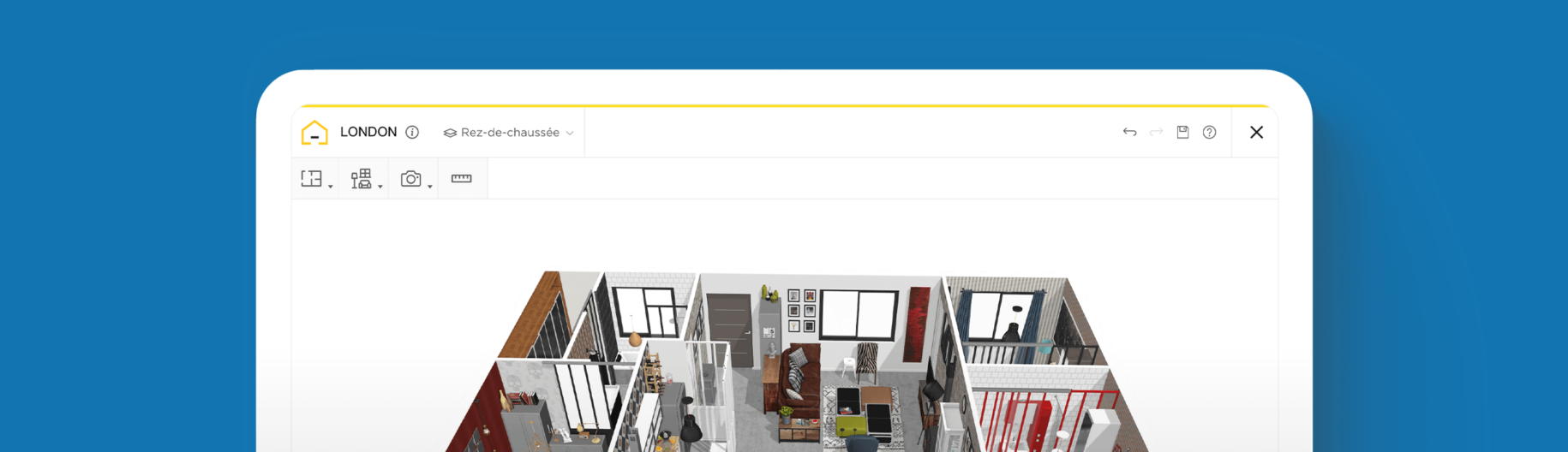
How to plan your home design online?

Update the style of your interior
Instantly test different designs and layouts
View your home in 3D before making purchases
Is your home interior looking tired and dated? With HomeByMe, easily plan your own home design online to update any room in your house!
With our intuitive online 3D plan software, HomeByMe enables you to draw and decorate your entire house with ease. Once completed, you can also tour your design in 3D. Build your 2D floor plan, furnish it, and watch it come to life with our 3D technology.
What is home design?
Home design is the art of creating an aesthetically pleasing interior, whether you are designing a new house from scratch or redesigning and remodelling an existing one. You don’t need to be a professional architect or interior designer to redesign your home like a pro. It’s easier than you think; you just need to learn how to design your dream house!
Plan your home design online
The first step to getting started on your project is to create an outline of your existing house and then start to piece together how you would like it to look after the remodel.
Our user-friendly online 3D plan software enables you to test different floor plan layouts, paint colors, and decorations. Finally, before making any decisions, you can visualize them in 3D.
You can also create realistic images to share with others, in order to gather feedback and make adjustments to your design.
Redesign your interior with HomeByMe
Are you planning to remodel or redesign your house? Get started today, using our free floor plan software, or save time by ordering a floor plan from our Floor Plan Creation Service. Simply send over a rough sketch, and we’ll do the rest!
Follow the simple steps below to optimize your interior from start to finish in the space of a weekend.
How to plan your home design with HomeByMe
Draw your floor plan layout
HomeByMe allows you to create your dream interior without any special knowledge or training. Build your best floor plan by drawing the walls and inserting the windows and doors.
Select flooring
After finalizing your floor plan, it’s time to choose your interior and exterior flooring. Choose from a wide selection of hardwood, carpet, vinyl, and tile options to complement your home’s design. Undecided on the best flooring for your space? Experiment with different options until you find what you’re looking for. And remember, nothing’s final; changes can be easily made with the HomeByMe software at any point during the design process!

Furnish your home
We recommend adding furniture and appliances before decorative elements, such as paint and wallpaper, to ensure your layout is exactly what you’re looking for. Browse furniture, kitchen appliances, bathroom fixtures and accessories from our extensive product catalog. If you’re not sure about specific products, you can choose generic ones that can be customized to fit your needs. We also have a library of brand-name products that you can insert and directly shop through their links. Once you have inserted your items, drag and drop, rotate, duplicate, or replace with similar options until you are happy with your design.
Decorate your home
After deciding on the layout for your space, it’s time to decorate! Browse our vast selection of paint colors and wallpaper options. With thousands of colors and patterns to choose from, you’ll find just what you’re looking for!
To give your design an authentic, lived-in look, you can also add accessories such as mirrors, artwork, plants, and decorative throw pillows. You can even add books to surfaces! For homes with pets, you can include accessories like cat trees and aquariums. This will allow you to really visualize the space as your own.

Tour your project and share HD images
Once your designs are complete, you can take a 3D virtual walkthrough of your property, using the first-person perspective tool. Produce high-definition 3D rendered images of your design, which can be printed or shared with friends and project partners, to gather feedback. HomeByMe’s advanced software also allows you to generate high-quality 360º views of your property.

Home Design Tips
Choose a design theme
When you’re beginning your project, it can be useful to do some research in order to figure out your preferred style. Choosing a style for your home will help to create continuity as your move from one room to the next. Seek inspiration from the HomeByMe project gallery and browse furniture websites to get an idea of how your favorite pieces are priced. Next, create a mood board, gathering your favorite interior design looks and see if you can spot a trend.
Plan your dream interior with a floor plan software
Once you have chosen a style, you can start planning your house design. Use our intuitive home design software to gain spatial awareness: to understand how furniture will fit into your space and how you will circulate around your home. Experiment with your furniture layout, color and style and test different materials, fixtures and fittings.
Decorate creatively
Use HomeByMe to visualize your space and make better decisions when decorating your home. Will your design have a neutral color palette or will you add an accent color, using accessories or a feature wall? Don’t be afraid to mix price points and textures, placing designer decor next to refurbished furniture and adding plush rugs and fluffy cushions to break up hard surfaces. Every element of your design is in your control!
Be inspired: Room design examples
Kitchen Design
Whether you entertain on weekends or feed an entire family all week, you can craft a kitchen to suit your needs with HomeByMe online 3D plan software. From flooring and light fixtures to appliances and accessories, we have everything you need to design the kitchen of your dreams!

Living Room Design
Design a living room that caters to your style and lifestyle, using HomeByMe to test various furniture layouts and color schemes.

Bedroom design
A room that must be cozy and provide the serenity required for a good sleep, you shouldn’t neglect the redesign of your bedroom. Experiment with colors, textures, and patterns that inspire a restful, relaxing space. Worried about the size of your bedroom? No matter how large or small your space is, you will find an extensive collection of bedroom furniture to design the ultimate bedroom retreat.

Bathroom design
Sometimes too small and with plumbing constraints, designing or remodelling a bathroom can sometimes be difficult. Using 3D planner simulations can help you make the right choices!

Home Office redesign
Designing your office is an essential step for maximizing your productivity when working remotely. Running out of places to store your growing library of books? Consider adding a bookcase to help organize your space. Our software even lets you add functional accessories, such as wastebaskets, calculators, and pencil pots, to your design for a real-world feel.
With HomeByMe’s free online 3D plan software, designing your perfect space is easier than you ever imagined. You no longer have to bear the cost of hiring a designer. Our software ensures that all users, with no background or experience in interior design, can draft plans like a pro. These plans can then be used to create the real space in your home that you can be proud of.

If you’re having trouble getting started, check out our Inspiration page, where you can find inspiration for your site plan. Visit industrial-style lofts, farmhouse kitchens, minimalist scandinavian living rooms, vibrant bohemian bedrooms, and sleek, modern bathrooms to help get your ideas flowing.

How to design your home in three steps using online software?
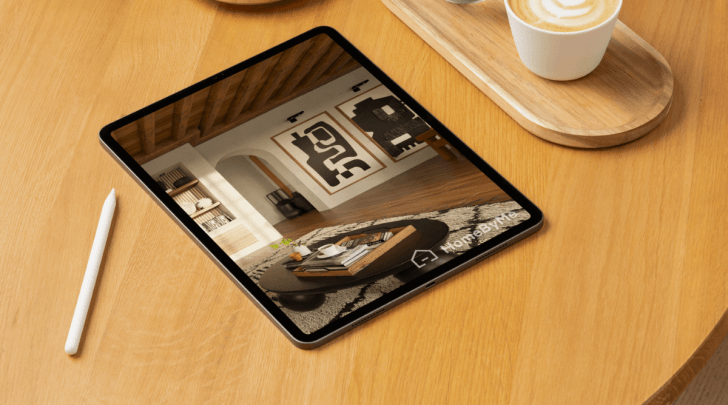
How to optimize your home interior design? Check out our 8 tips !

How to design a bathroom remodel?
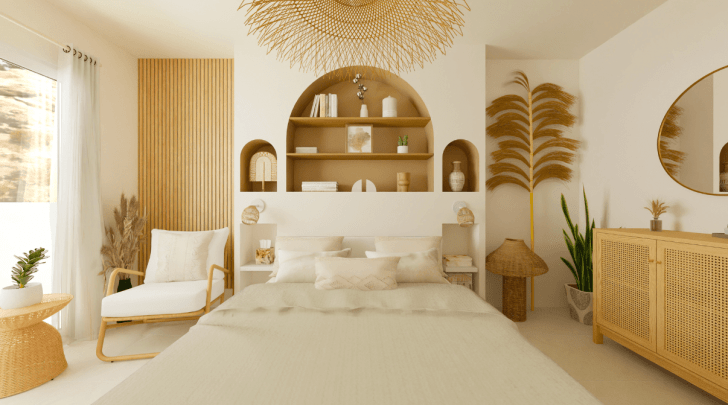
How to Redesign your Bedroom?
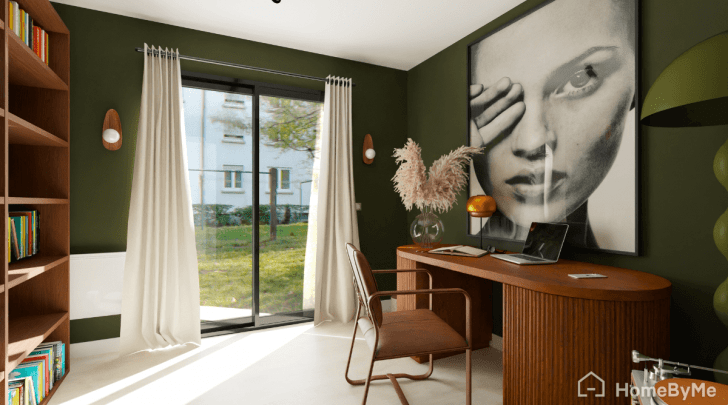
How to design or redesign your Home Office?

How to design a kitchen remodel?

How to Redesign and Decorate your Living Room?

How to create your home interior design project online?
Are you launching a remodelling project? Plan all your designs from start to finish using our simple software.
Update the style of your interior
Instantly test different designs and layouts
View your home in 3D before making purchases
Need help from a professional?
Relax while our Interior Design Service plans your redesign project for you. Let them handle your new decoration!

Design your home now!