Design Your Living Room in 3D with HomeByMe’s Living Room Layout Planner
Whether you are a beginner or a professional, discover our free living room planner to design the living room of your dreams.
Visualize and arrange your space in just a few clicks thanks to an intuitive experience. Explore all design possibilities for your living room and dining room using a powerful living room layout planner.

Design your living room with HomeByMe
HomeByMe is an online living room planner tool that allows you to design and visualize your living room before bringing it to life.
- Create your 2D floor plan and convert it into 3D
- Furnish and personalize your living room and dining room with a wide selection of branded furniture
- Test different styles (modern, Scandinavian, etc.) and layouts
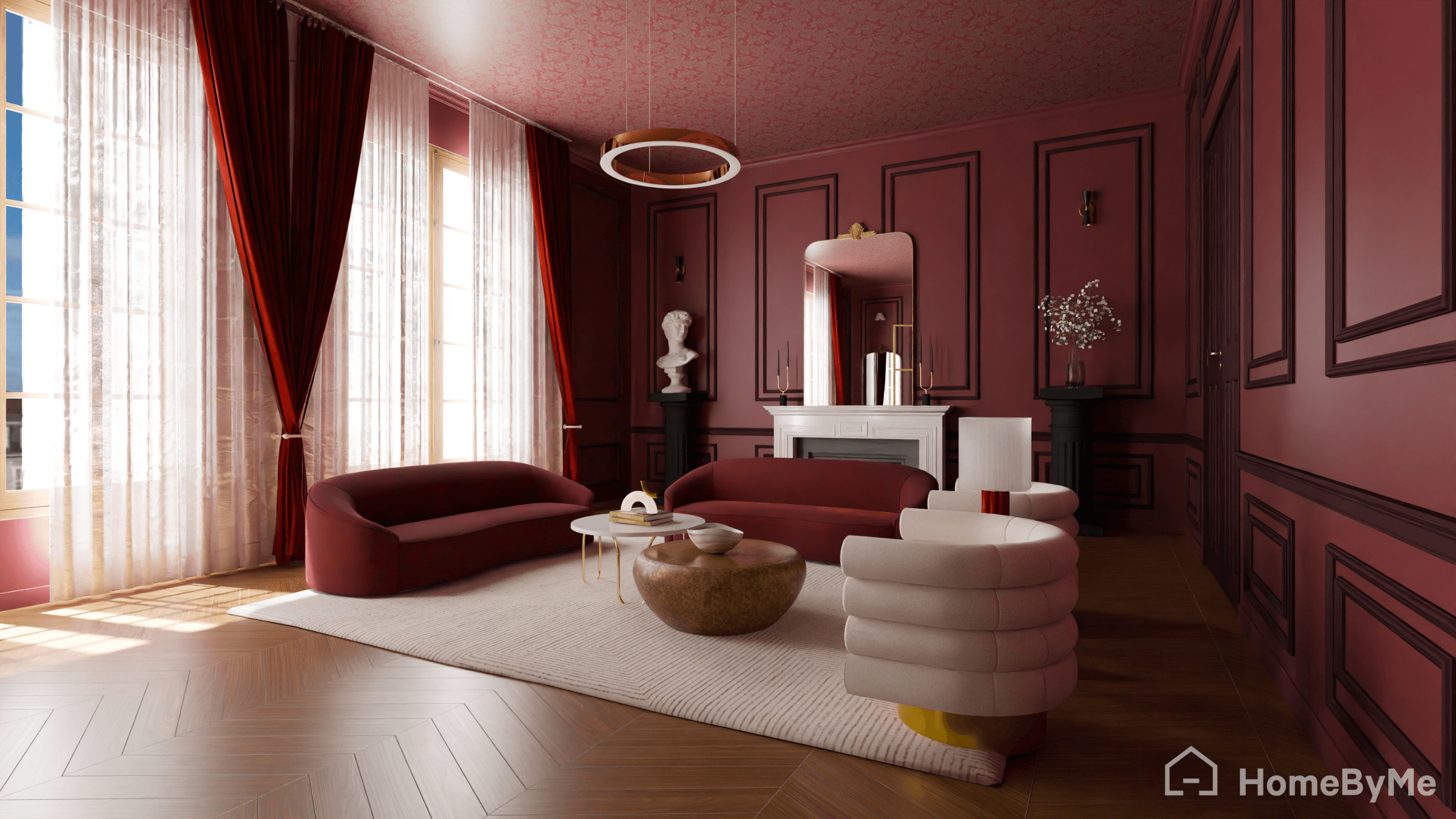
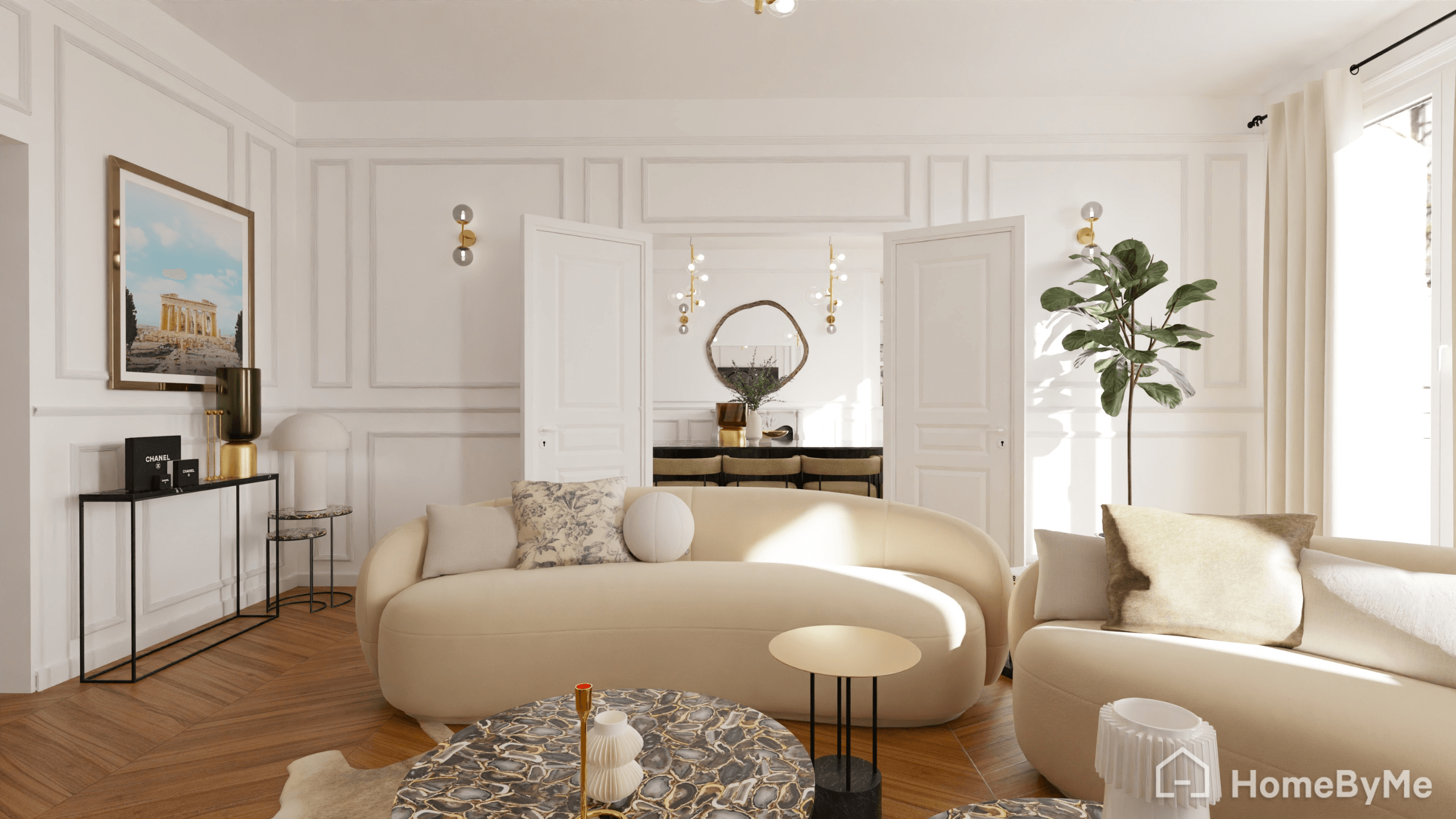
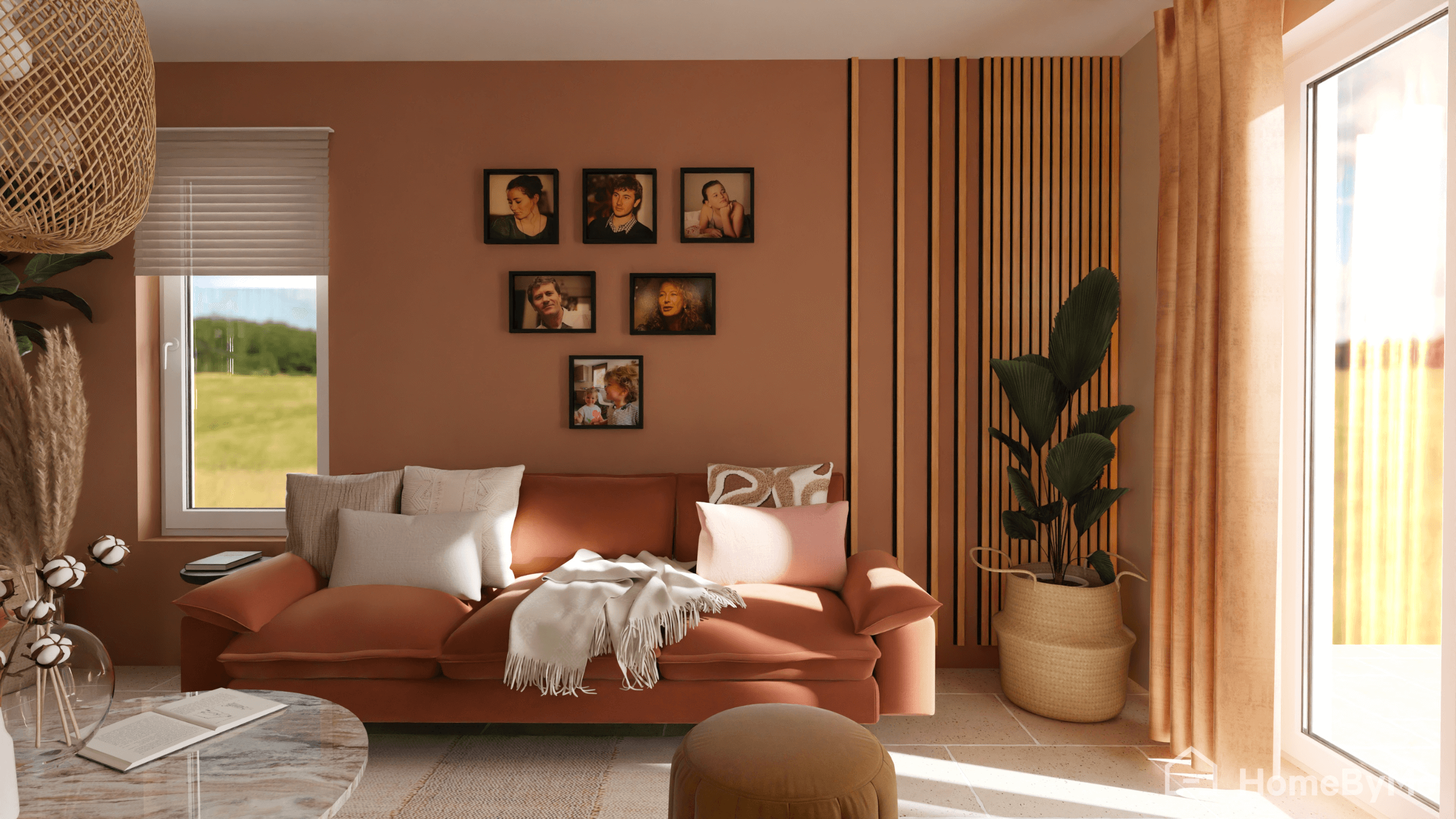
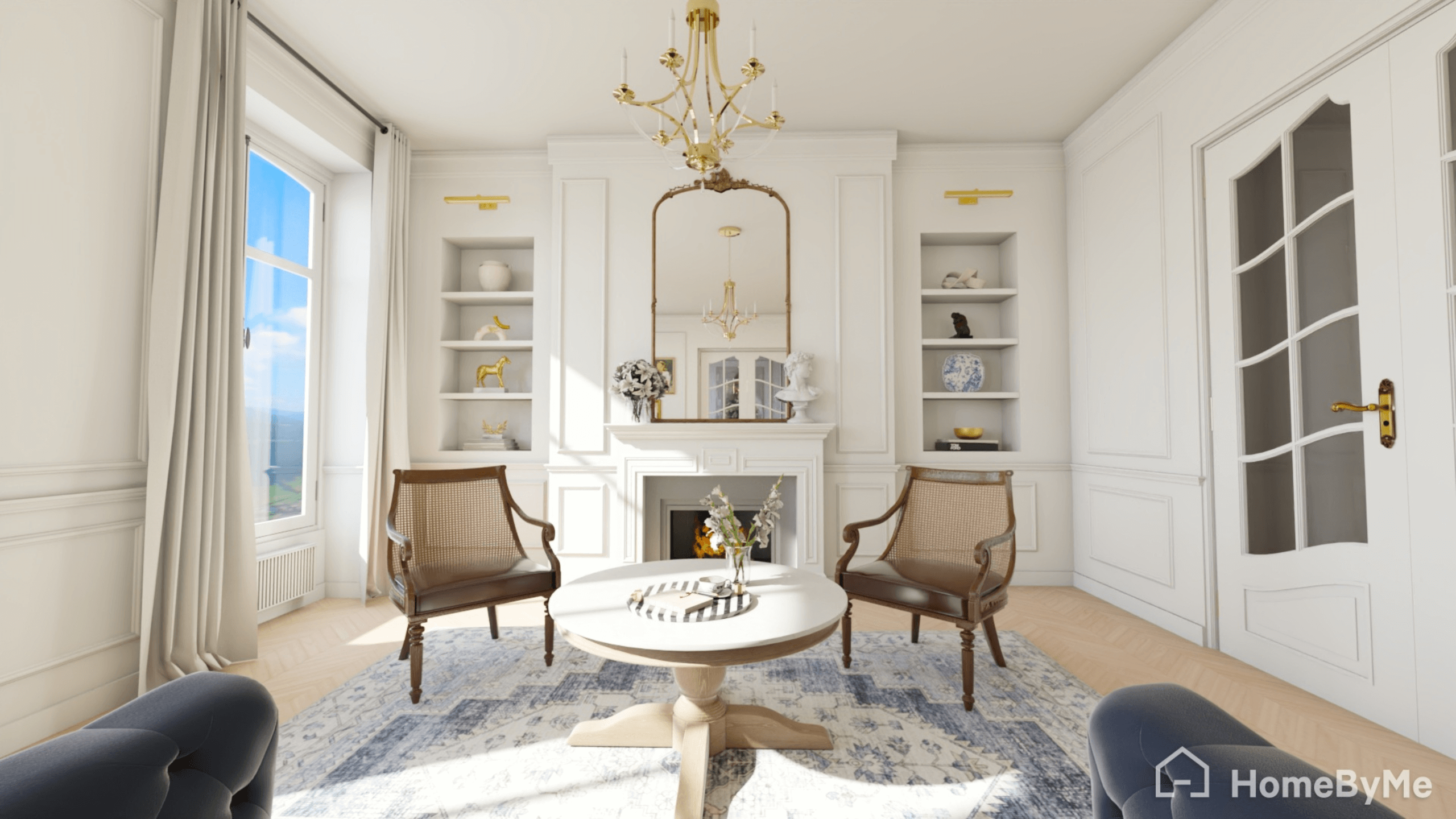
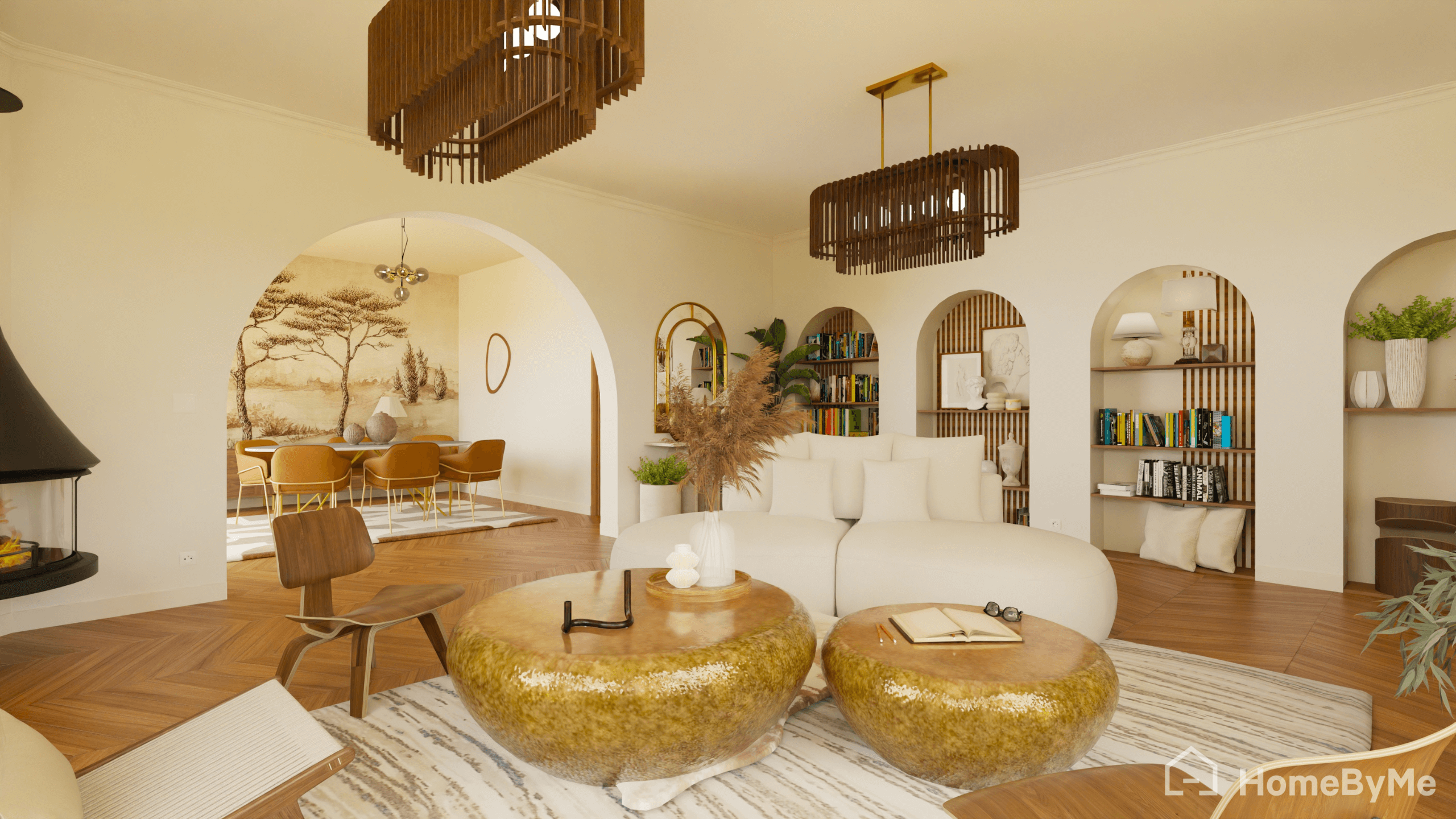
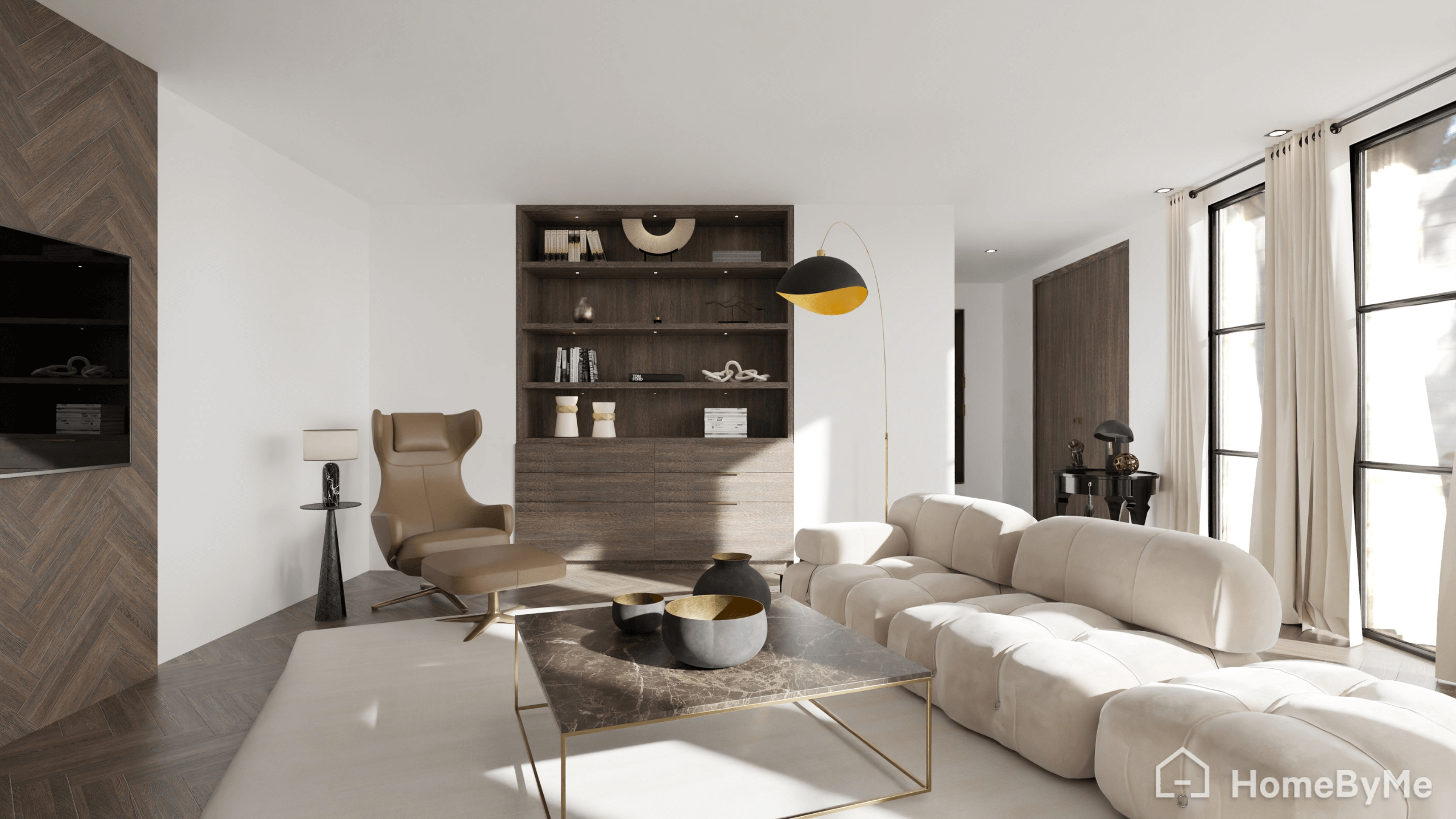
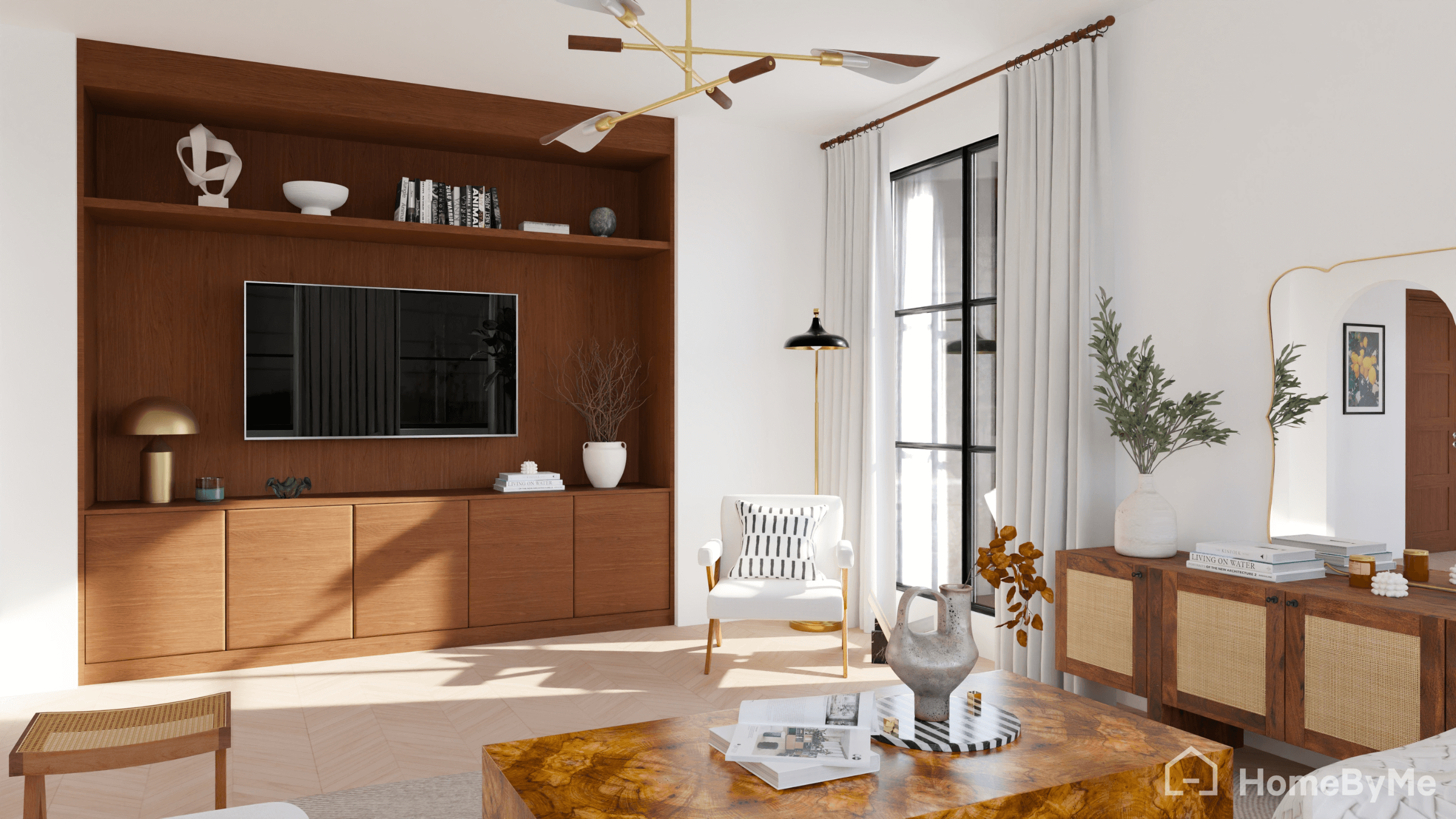
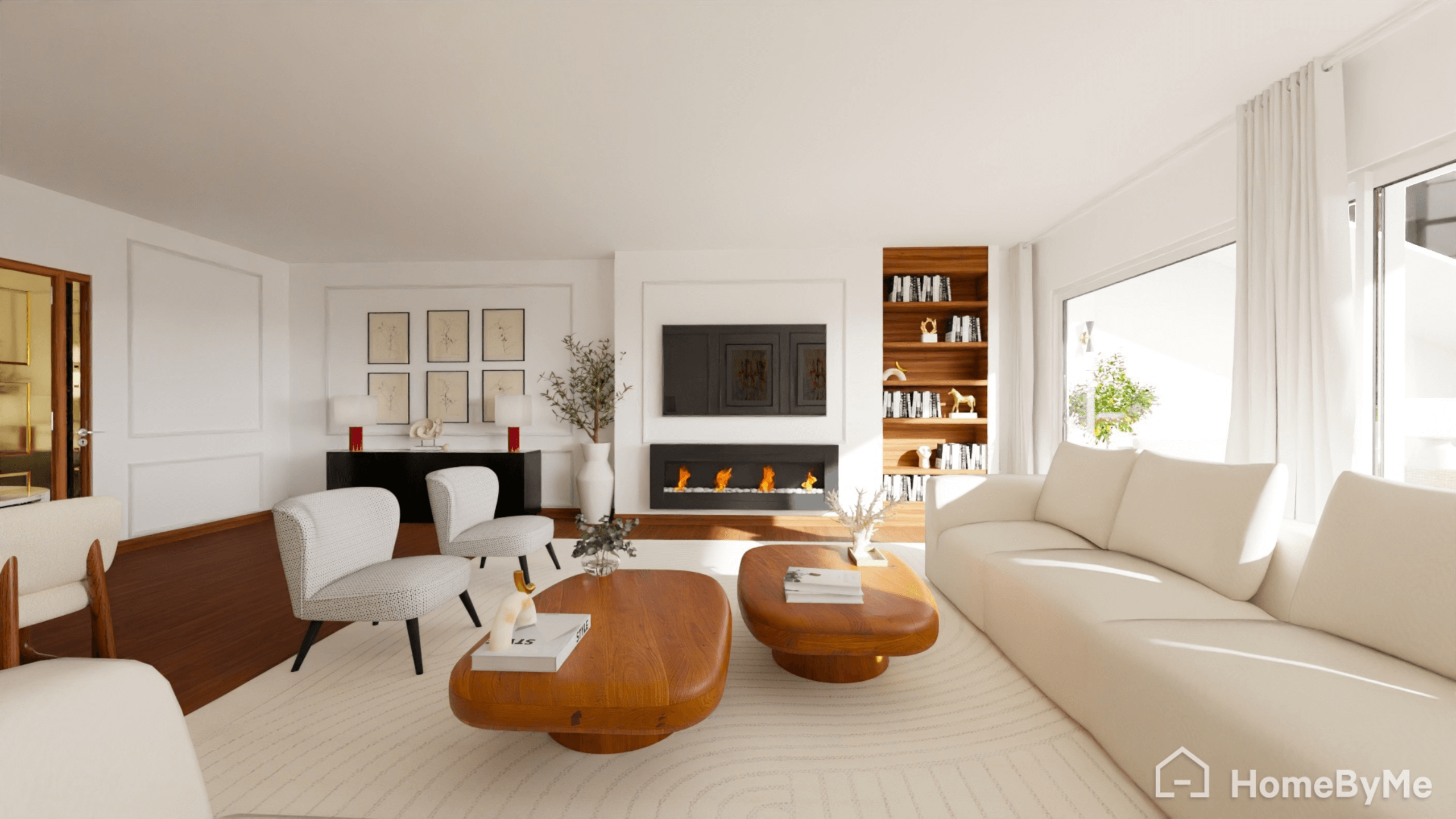
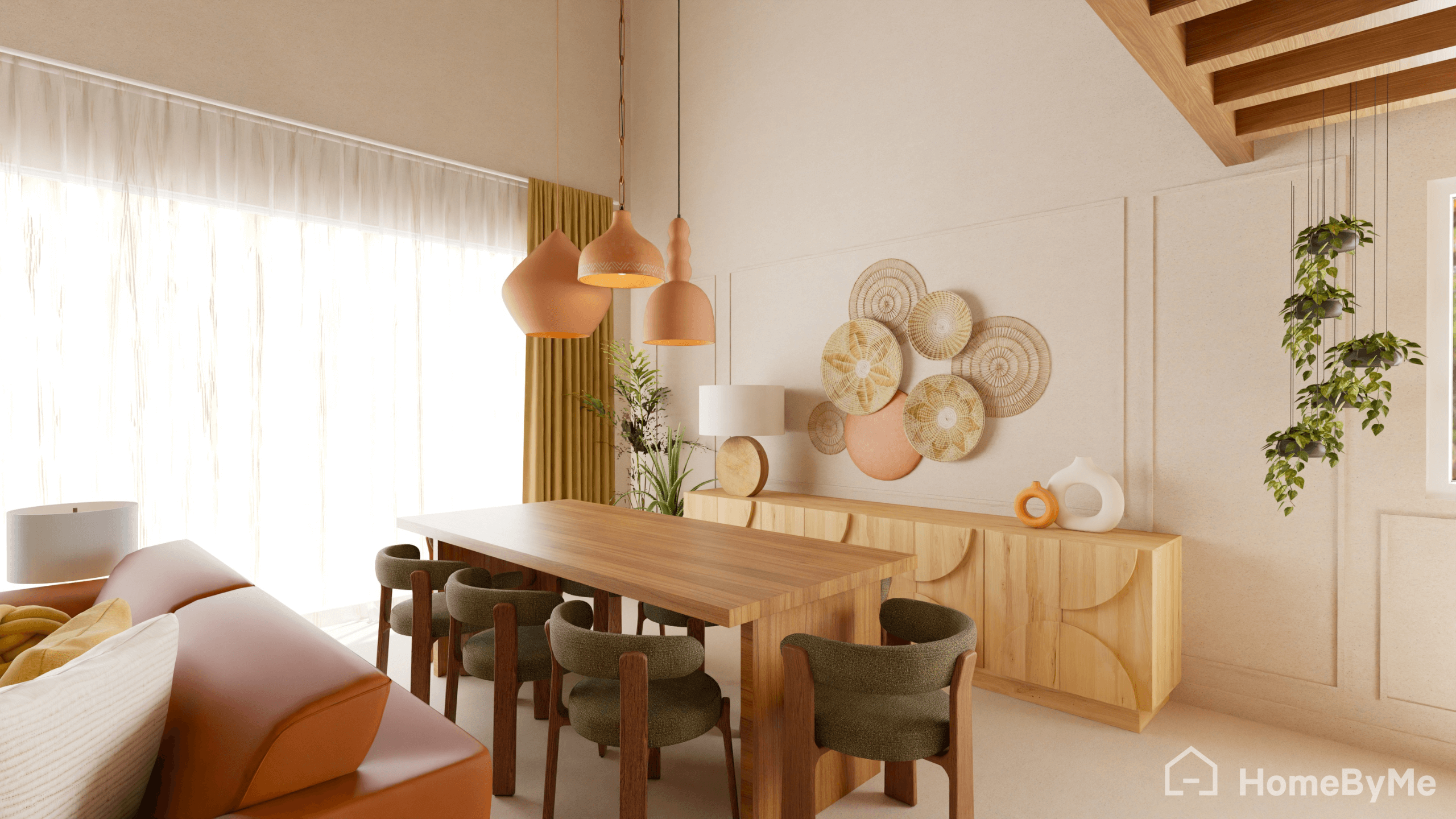
- View the final result in real time and generate ultra-realistic 4K images


Draw your living room floor plan

Furnish and decorate your living room

Create stunning visuals
How does it work ?
- Sign up on HomeByMe and start your project with a free living room planner
- Draw your living room plan in 2D or import an existing one
- Arrange and furnish your space easily
- Design your interior with an advanced living room planner tool available online

Design your living room in 3D in just a few clicks
Draw your 2D living room plan
The 2D drawing feature of our living room layout planner allows you to create a living room and dining room layout to scale, using precise room dimensions.
From the Creation tab, add or remove elements to adapt your living room according to your needs.
In the Furnish tab, choose from a large catalog of branded furniture to design your space using a professional living room planner.

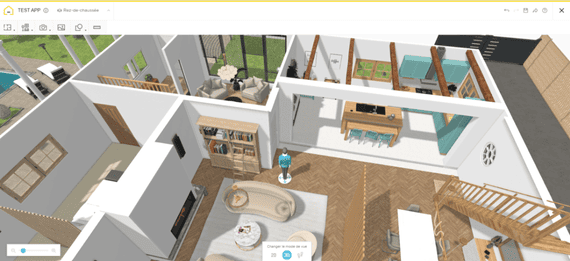
View your project in real-time 3D
Switch from 2D to 3D to visualize the layout, furniture arrangement, and final rendering of your living room.
Make instant adjustments using our intuitive Living Room Planner Tool.

Add the finishing touches to your Living Room Design
Complete your project by adding accessories from our product catalog.
In the Decorate tab, find decorative elements to create or redesign the living room and dining room that suits your lifestyle.

Explore Advanced Features
Full 4K Renders
…and even generate 360° views and stunning aerial shots of your 3D living room design.
Custom Furniture Creation
Personalize furniture from our catalog to fit your project perfectly, or design pieces from scratch using our MakeByMe tool.

Realistic Video Renders
Produce Full HD or 4K walkthrough videos of your living room project to visualize every detail.
Explore Stunning, Ultra-Realistic 3D Living Room Designs Made By Our HomeByMe Community