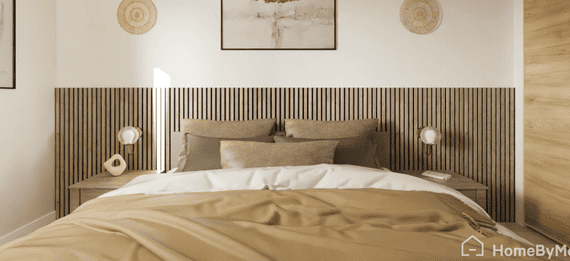
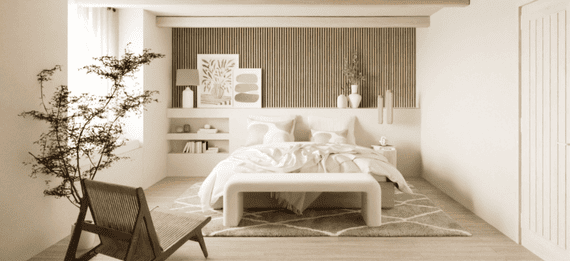
Bedroom Planner : Design and Visualize your Dream Bedroom Online
Whether you’re redesigning your own bedroom or creating professional layouts for clients, HomeByMe is the best room planner to plan, furnish, and visualize stunning 2D and 3D Bedroom Designs online.
With our intuitive 3D Planner Tool, create a bedroom in 3D, try multiple layouts, and see realistic results instantly.

All in One Bedroom Layout Tool
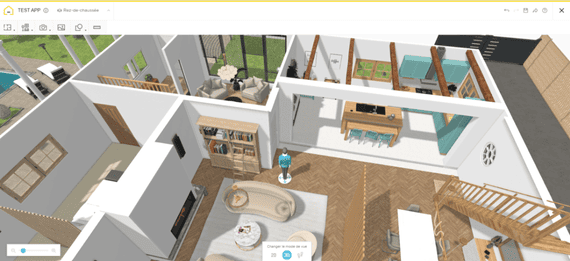
HomeByMe is one of the best free online tools offering both 2D and 3D bedroom planning and views. It combines an intuitive 2D floor plan drawer with realistic 3D visualization and 4K renders, making bedroom design fast, simple, and accurate.
Our online Bedroom Planner lets you customize every detail.
- Draw your floor plan to scale or import an existing layout.
- Add furniture, decor, and accessories from real brands.
- Experiment with colors, styles, and materials.
See your room come to life !


Draw Bedroom Floor Plans

Furnish and Decorate Your Bedroom

Create Stunning Visuals
The Ultimate Bedroom Planner for Homeowners and Professionals
For Homeowners
Turn your bedroom ideas into reality in just a few clicks.
Our Free Online Bedroom Planner helps you design the perfect layout, whether you’re updating a small room or creating a master suite.
-
Plan furniture placement and decor without guesswork.
-
Try different themes: Modern, Boho, Minimalist, or Scandinavian and much more.
-
Get high-quality visuals to preview your future bedroom.
Design your dream bedroom online. It’s free and easy!
For Professionals
Deliver stunning bedroom projects faster with HomeByMe’s professional-grade bedroom design tools completely online.
-
Impress clients with realistic 3D visuals and 4K renders.
-
Export layouts, floor plans, 360° views and realistic videos for presentations.
-
Collaborate and share projects in real time with teams or clients.
-
Customize furniture or create unique pieces using MakeByMe.
A powerful 3D Bedroom Planner for designers, architects, and real estate professionals.
How does it work ?
1. Sign up For Free : no download required.
2. Create your 2D Bedroom Layout or import your existing plan.
3. Furnish and Decorate using thousands of free furniture and decor items.
4. Visualize your Design in 3D, make changes instantly, and save your project.
Great for homeowners, interior designers, realtors, and decorators. Anyone can create a professional bedroom design in minutes.

Your 3D Bedroom Design in just a few clicks!
Draw Your Bedroom Layout in 2D
Start with a 2D Bedroom Layout that reflects your exact room dimensions.
In the “Create” tab, you can easily add or remove walls, windows, and doors to bring your project to life whether it’s a master bedroom, a teen’s room, or a kids’ bedroom.
Then switch to the “Furnish” tab, choose from a wide selection of brand-name furniture and decor to design your ideal bedroom layout.

See Your Bedroom Come to Life 3D
Turn your 2D Floor Plan into a realistic 3D Bedroom Design in seconds.
Explore, adjust, and visualize every detail instantly. All within our free Bedroom Planner Tool.
Experience your future bedroom before it even exists.

Add the finishing touches to your Bedroom Design
Complete your 3D Bedroom Plan by adding accessories and decor from our product catalog.
In the “Decorate” tab, explore a wide range of textures, lighting, wall colors, and accessories to bring your vision to life. All possibles from cozy minimalist looks to bold, modern designs.
With our Free Bedroom Design Tools, you can personalize every detail to match your style and create a space that truly feels like home.

Explore Advanced Features
Full 4K Renders
…and even generate 360° views and stunning aerial shots of your 3D bedroom design.
Custom Furniture Creation
Personalize furniture from our catalog to fit your project perfectly, or design pieces from scratch using our MakeByMe tool.

Realistic Video Renders
Produce Full HD or 4K walkthrough videos of your bedroom project to visualize every detail.
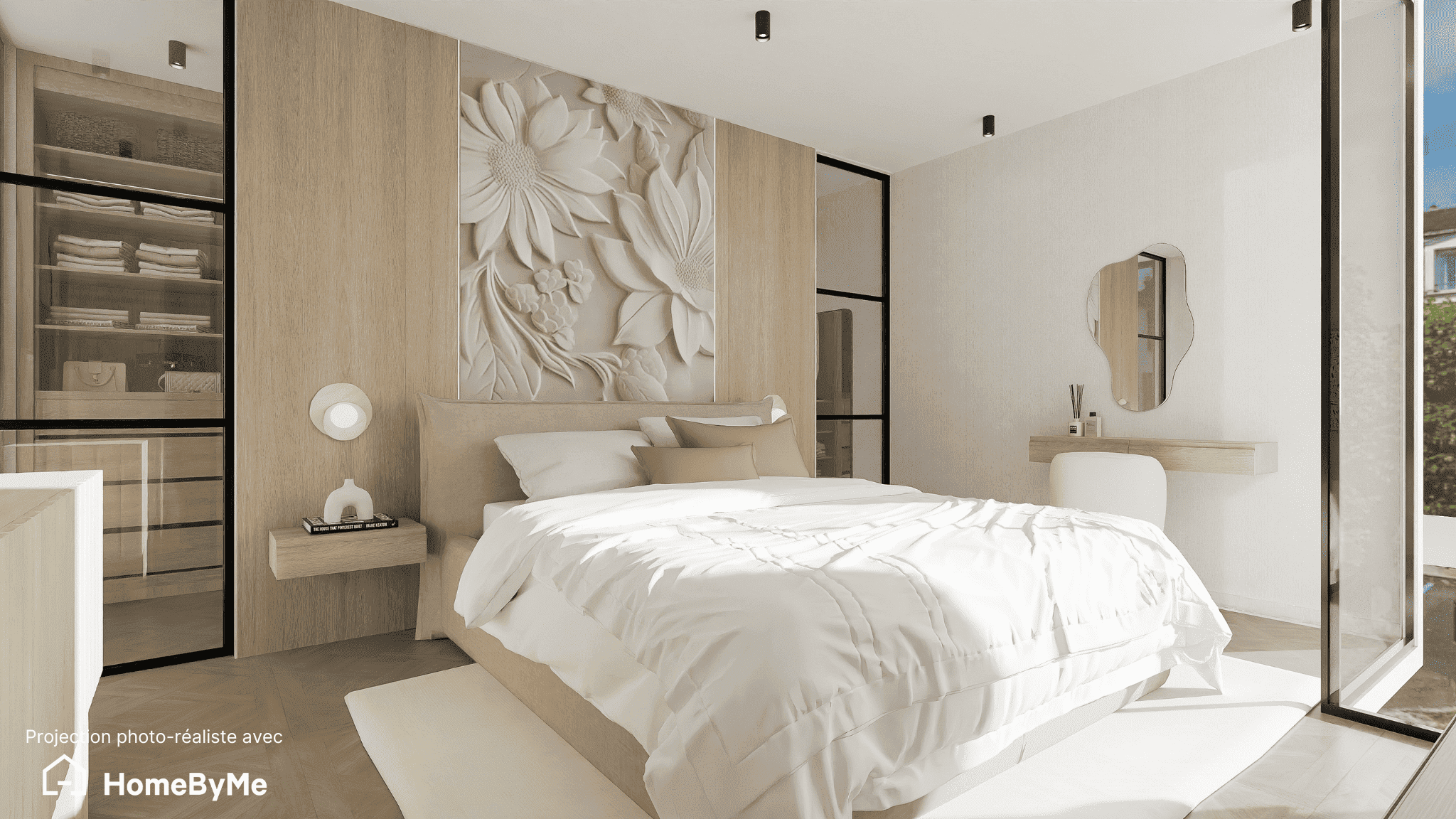
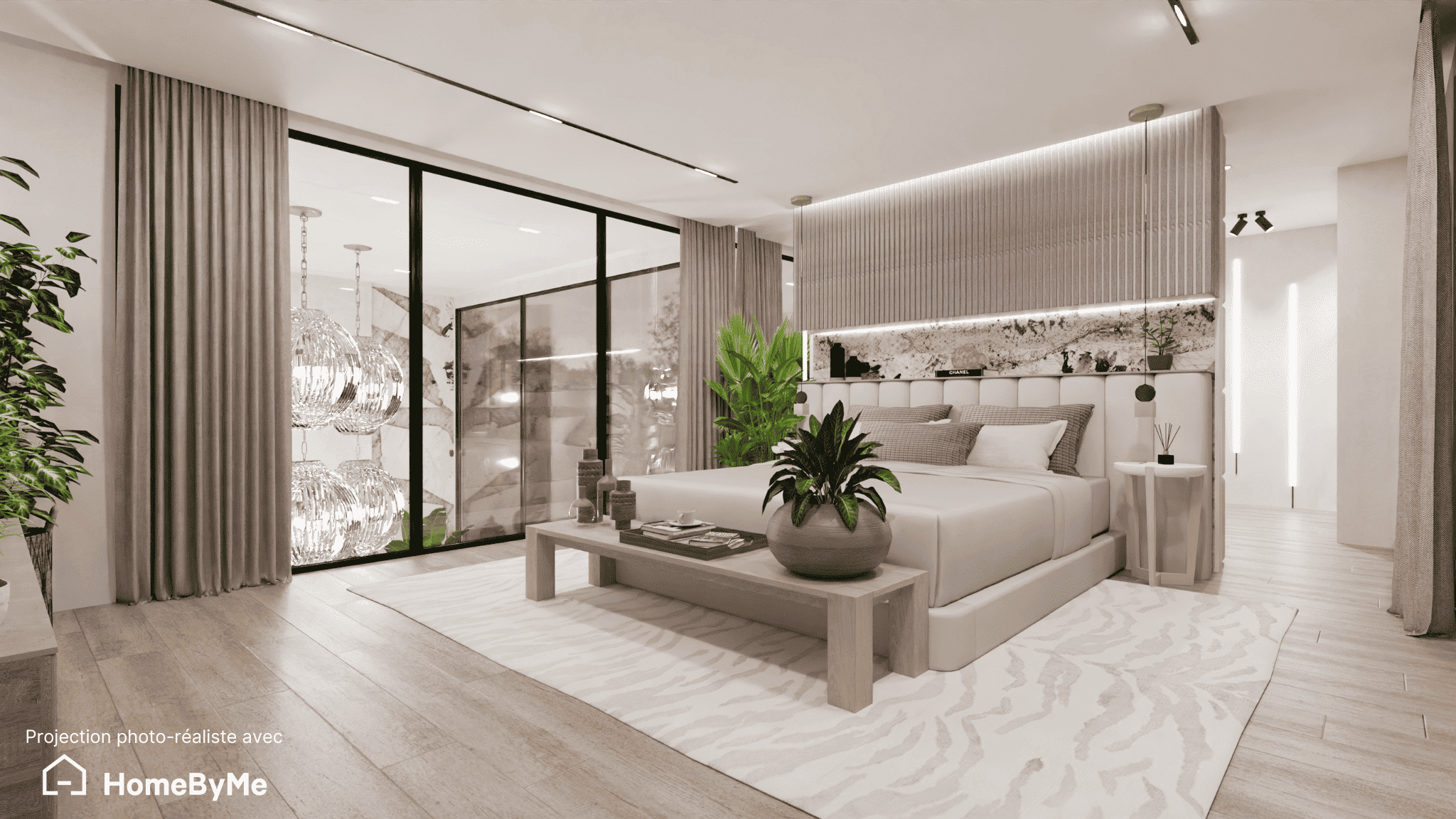
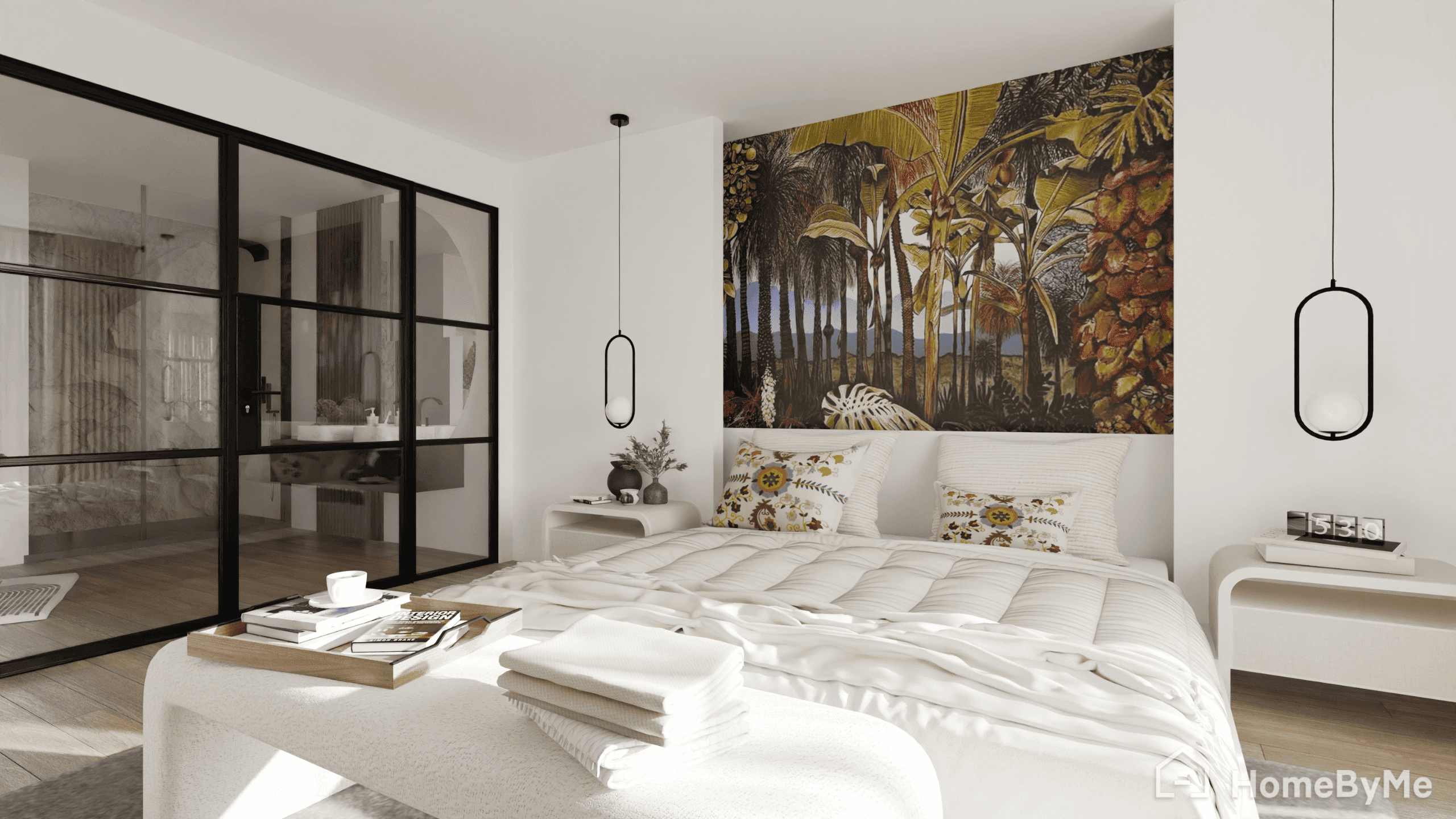
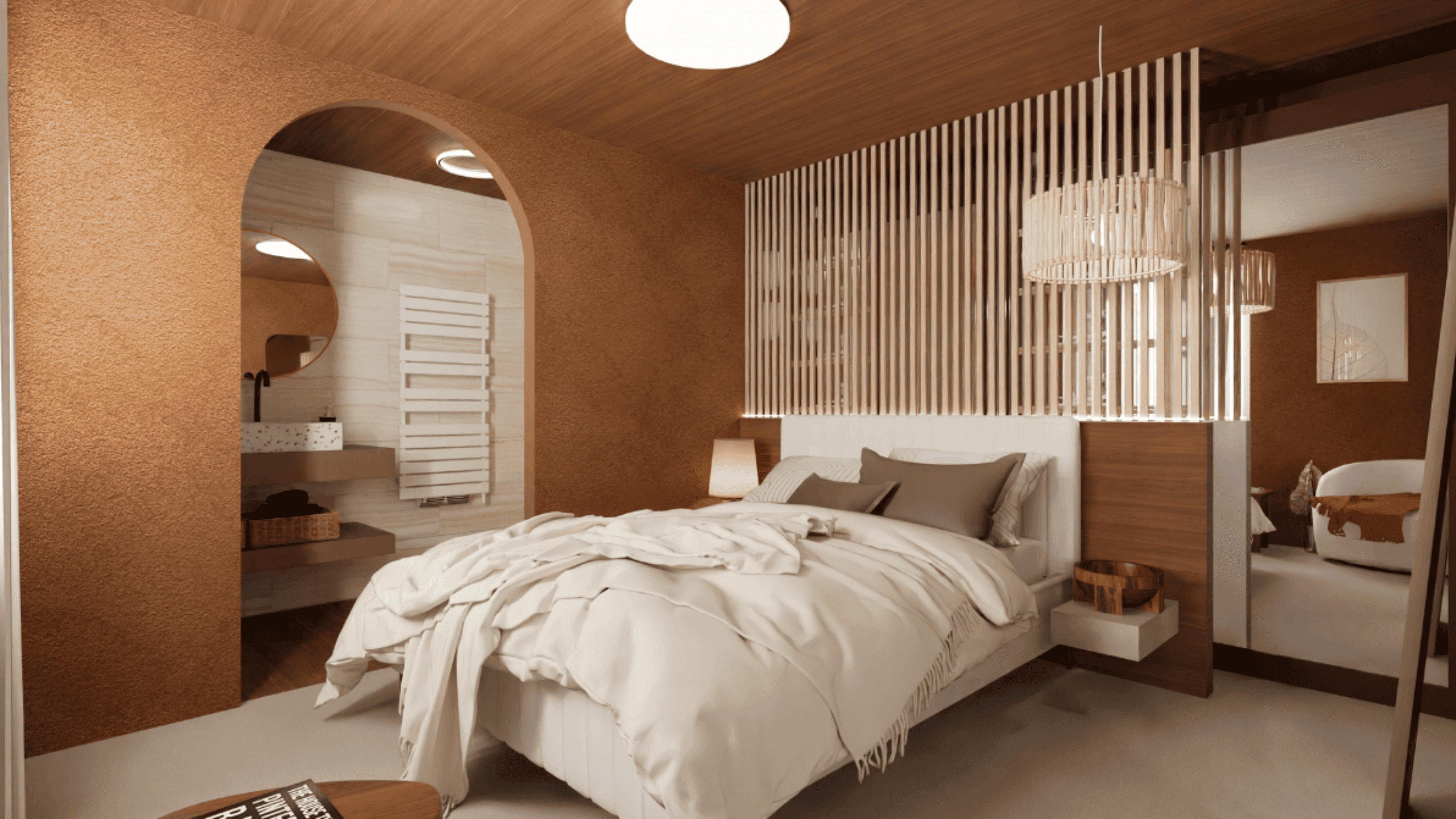
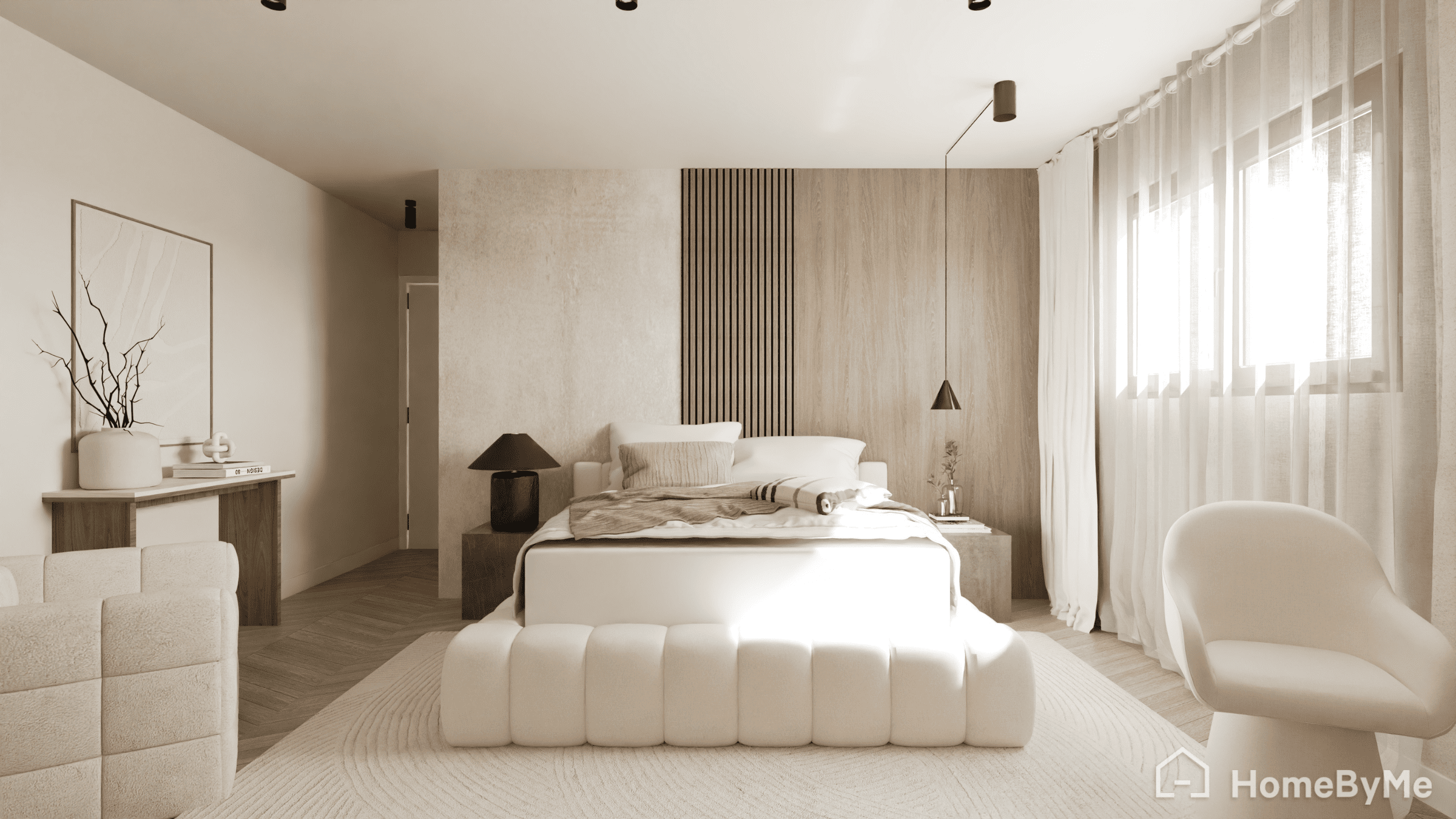
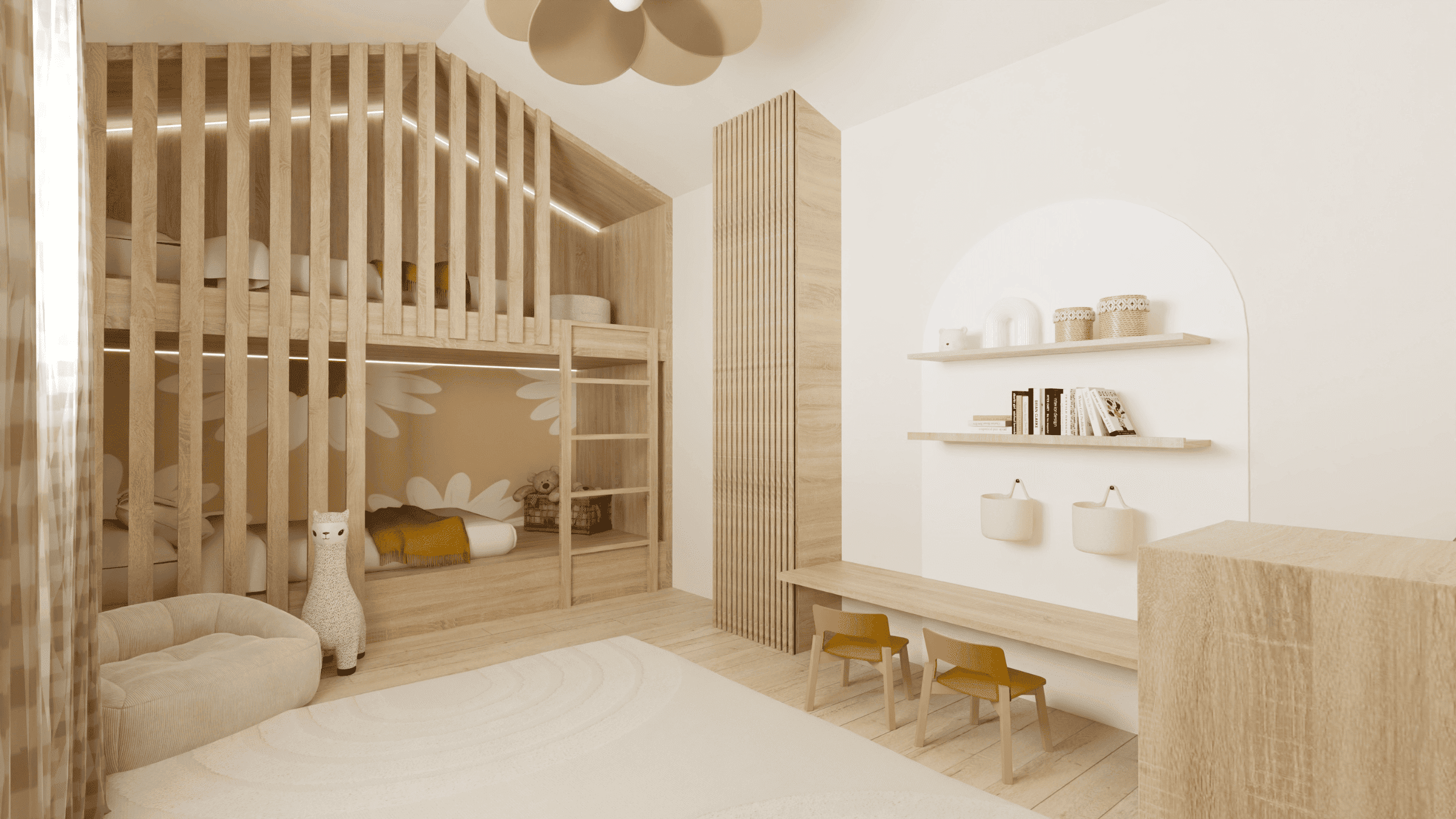
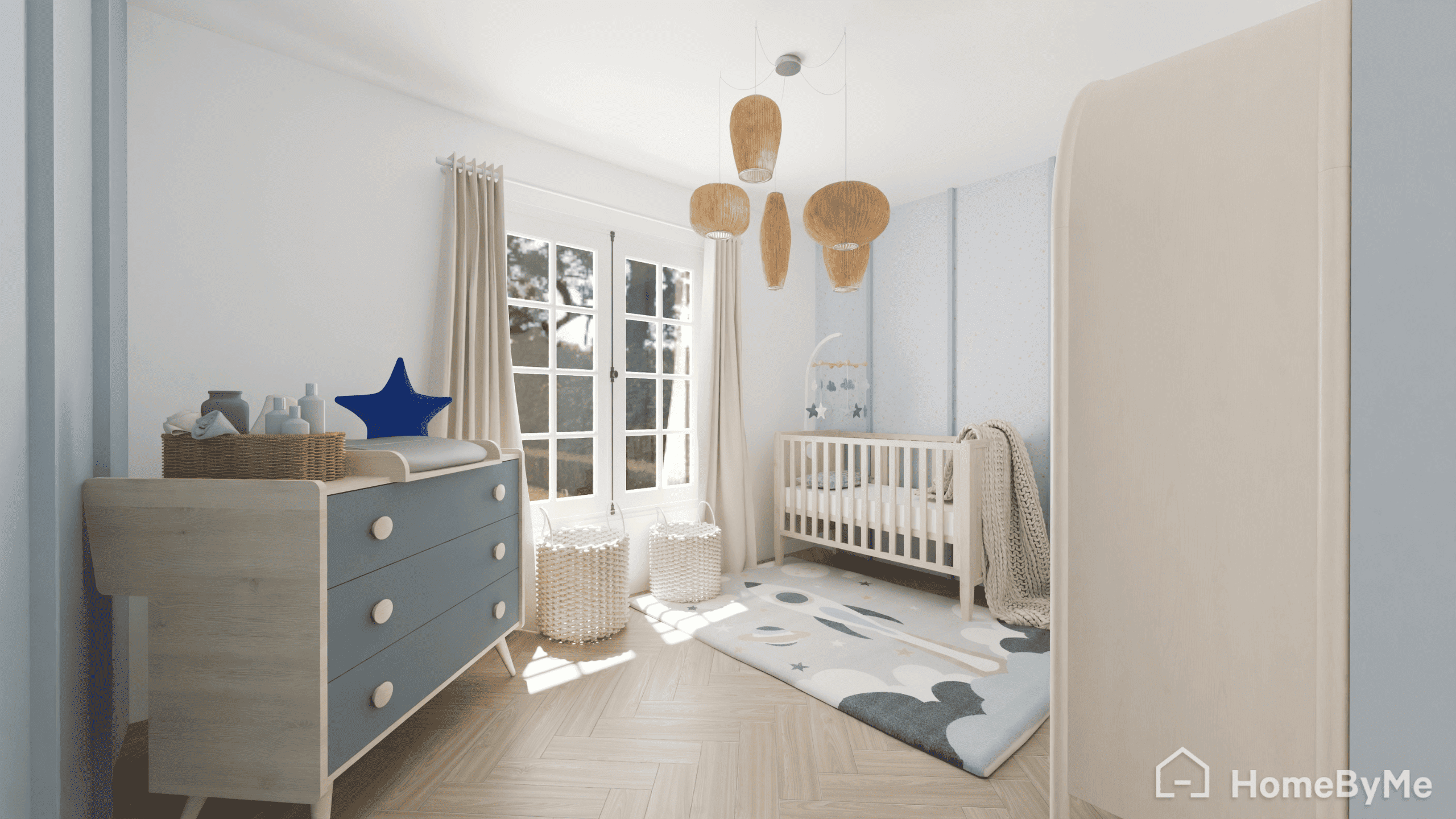
Explore Stunning, Ultra-Realistic 3D Bedroom Designs Made By Our HomeByMe Community


FAQ
HomeByMe lets you test different furniture arrangements in 3D. In the Furnish tab, drag and drop furniture and decor from real brands into your layout, then switch to 3D view to instantly see how each arrangement looks before making any final decisions.
The easiest way to draw a bedroom layout online without experience is to use HomeByMe. It’s a free online bedroom planner designed for beginners. Simply sign up, then draw your floor plan by adding walls, windows, and doors in the Create tab. If you have the 2D plan of the room, import it to automatically generate the 3D plan
With HomeByMe’s new planner experience you can import an existing 2D floor plan and the tool automatically converts it into an editable 3D bedroom layout, saving you from redrawing your room from scratch.
HomeByMe is a free online bedroom planner that lets you arrange furniture in 2D and instantly view your design in 3D. Create your layout, furnish it with real furniture, and switch between 2D and 3D at any time with no download required.
With HomeByMe, test decor ideas, furniture and colors before making changes. Build your room layout and instantly preview the result in 3D. Generates realistic 4K renders, 360° views, and immersive video walkthroughs