Kitchen Layout Planner: Design Your Dream Kitchen in 3D
Designing your kitchen has never been easier !
With our free online kitchen layout planner, you can create, customize and visualize your space in just a few clicks.
Whether you're remodeling or starting from scratch, our kitchen layout design tool helps you explore ideas and bring your vision to life with a powerful 3D kitchen design tool free.

Design your kitchen with our free 3D kitchen design tool
HomeByMe is an intuitive online kitchen layout tool that guides you through every step of your project from a 2D floor plan to a fully immersive 3D kitchen design with stunning 4K visuals.
- Draw your kitchen in 2D with exact dimensions
- Instantly switch to 3D to visualize your layout
- Customize cabinets, appliances, and finishes to fit your lifestyle and design goals.
- Generate ultra-realistic 4K renderings
- Test multiple layouts like L-shaped, U-shaped, galley kitchens, or kitchens with islands. Explore styles from modern to farmhouse and see your design update in real time.


Draw your kitchen layout

Furnish and decorate your kitchen

Create stunning visuals
Create your free 3D kitchen layout
- Sign up on HomeByMe and start your 3D project
- Draw your kitchen floor plan in 2D or import an existing layout
- Add cabinets, appliances, and furniture

Your kitchen layout planner in just a few clicks !
Draw your kitchen layout in 2D
Create an accurate, to-scale floor plan that matches your room dimensions.
In the “Build” tab, add or remove structural elements such as walls, doors, and windows to match your space.
In the “Furnish” tab, choose from a wide range of items upper and lower cabinets, appliances, kitchen islands, shelving, and more to fully customize your layout.

Visualize your kitchen in 3D instantly
Switch from 2D to 3D at any time to view your kitchen layout, organization, and overall design. Make real-time adjustments and refine every detail.

Finalize your kitchen design
Enhance your project with accessories and decor from our product catalog.
In the “Decorate” tab, find everything you need to complete your kitchen and match your personal style.

Explore advanced features
Full 4K images
Generate ultra-realistic visuals, including 360° views and aerial perspectives.
Custom cabinet creation
Personalize furniture from the catalog or build your own from scratch with our MakeByMe solution.

Realistic video renderings
Create immersive Full HD and 4K video walkthroughs of your kitchen design.
A flexible online kitchen layout tool !
Edit your kitchen layout anytime. Save multiple versions, compare ideas, and share your project with contractors, designers, or family.
Whether you’re planning a small kitchen remodel or designing a large open-concept space, our kitchen layout planner adapts to your needs: no experience required.

Get inspired by ultra-realistic 3D kitchen designs created by the HomeByMe community.
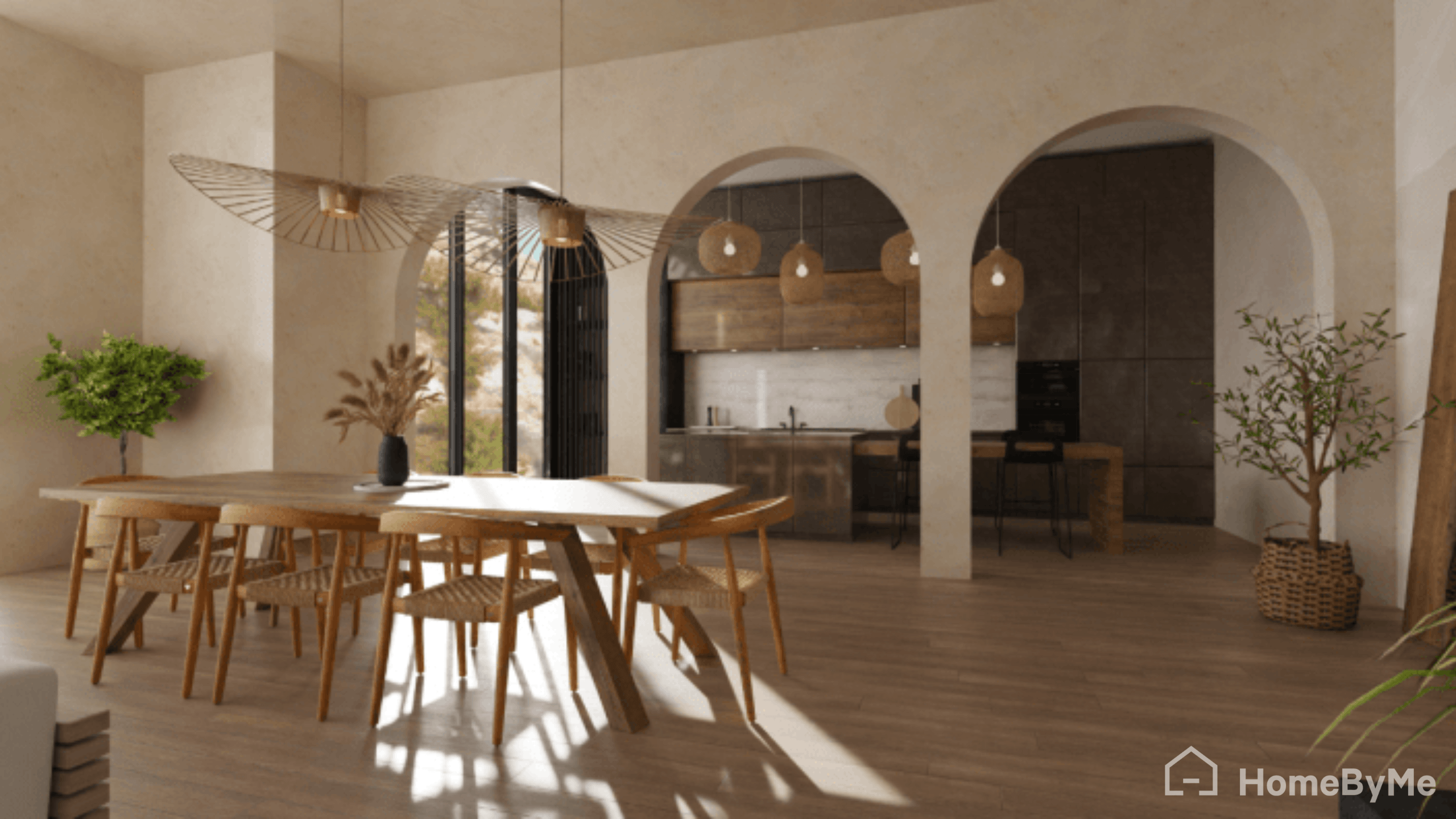
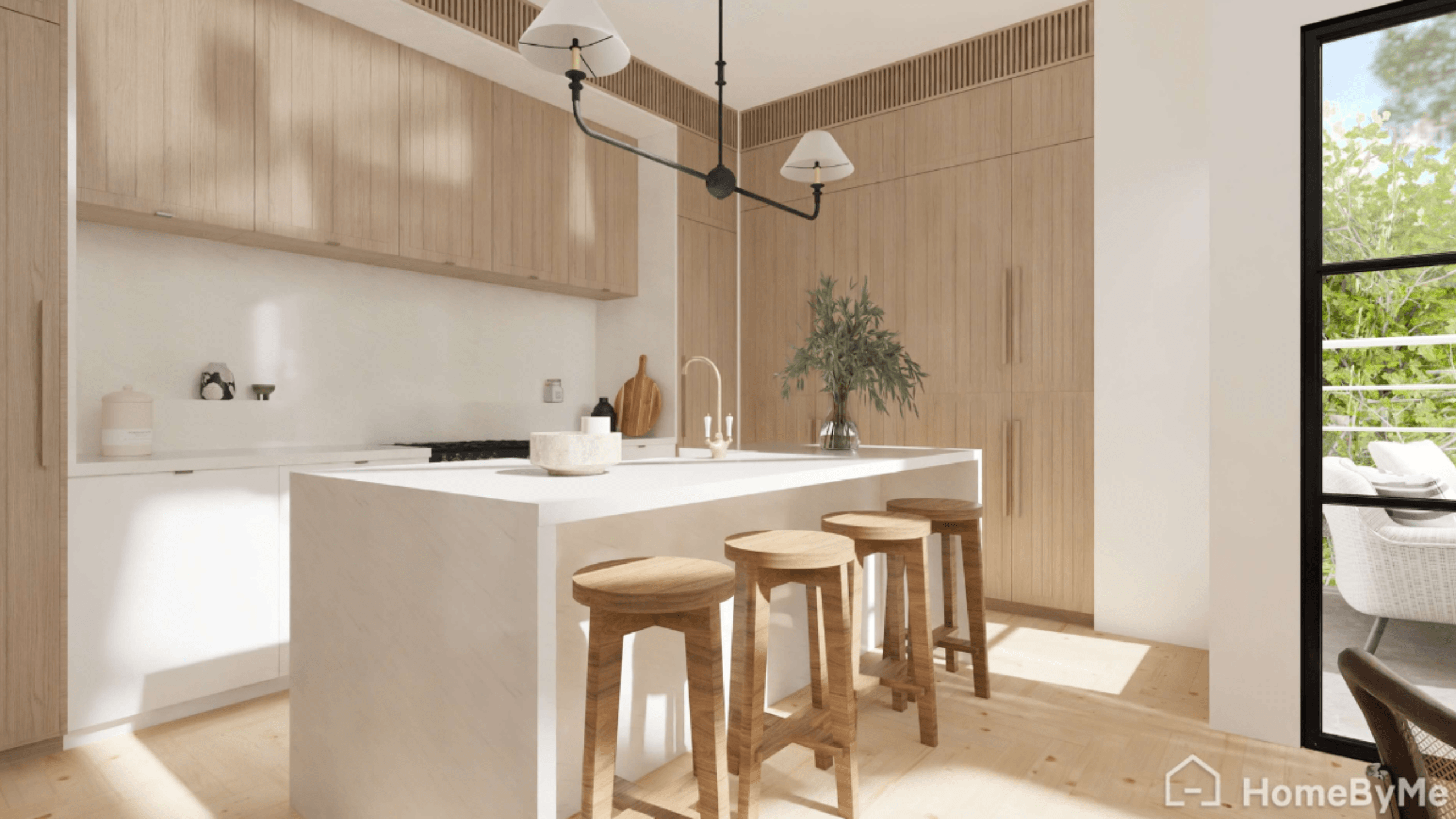
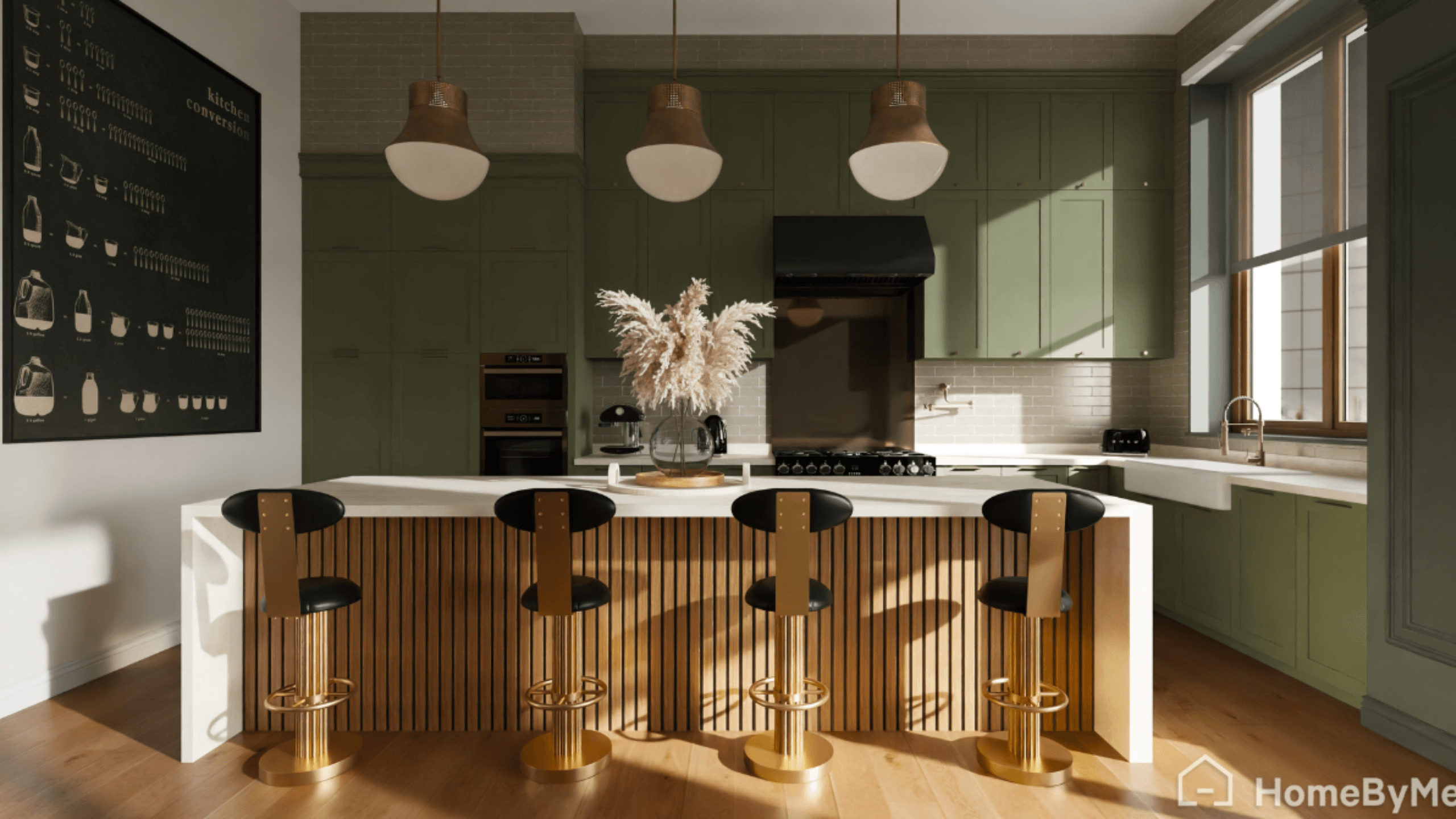
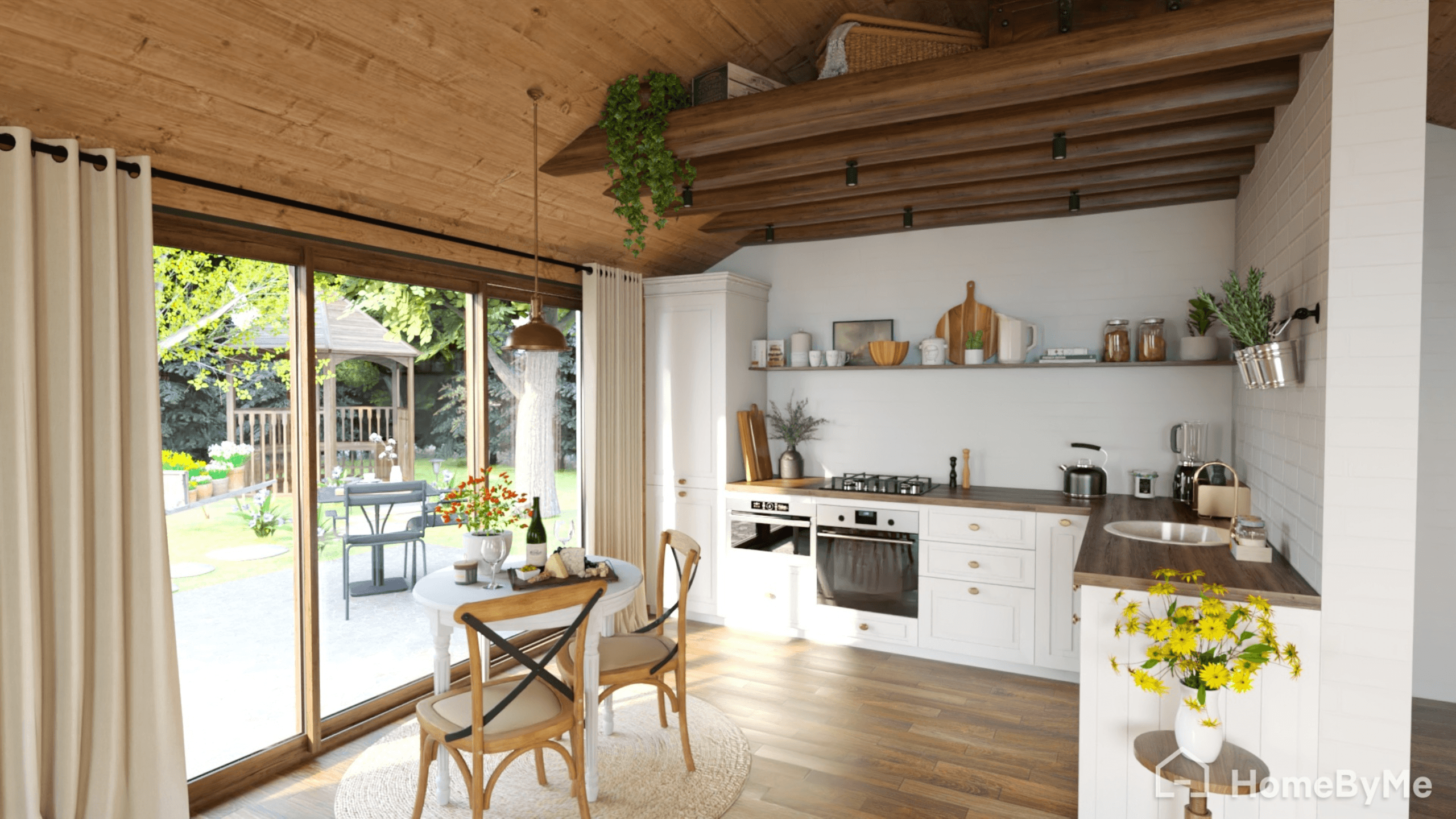
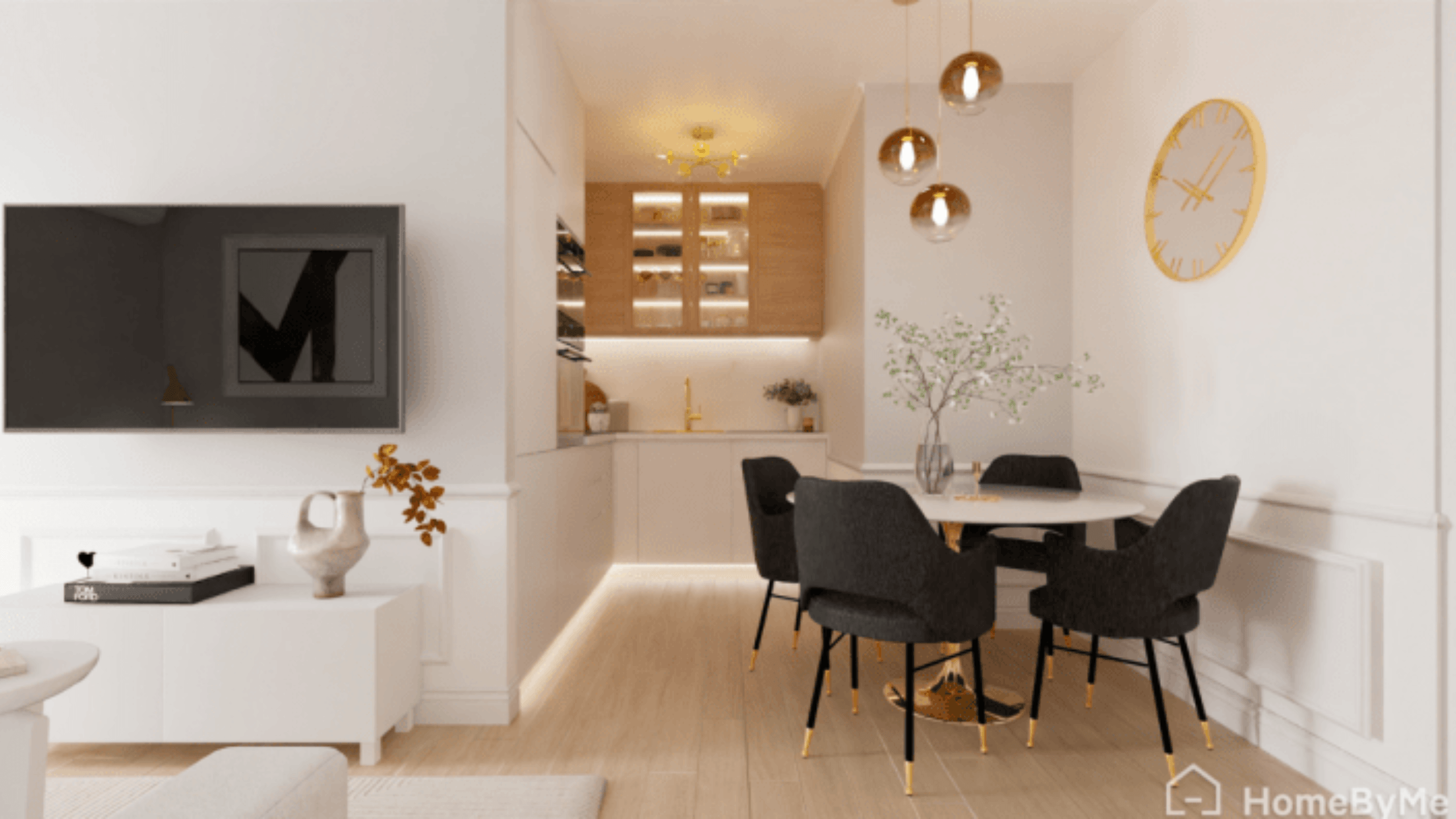
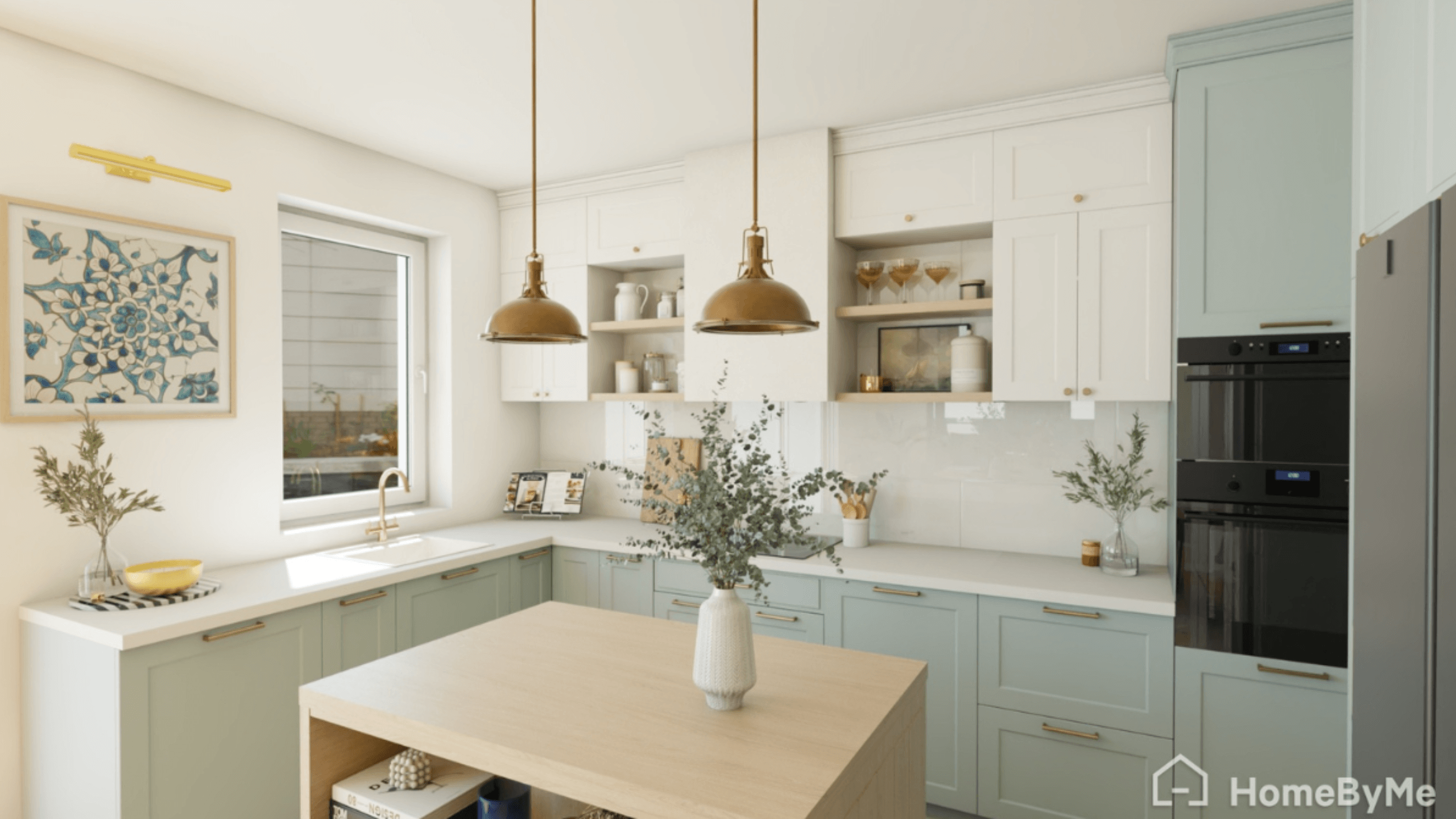
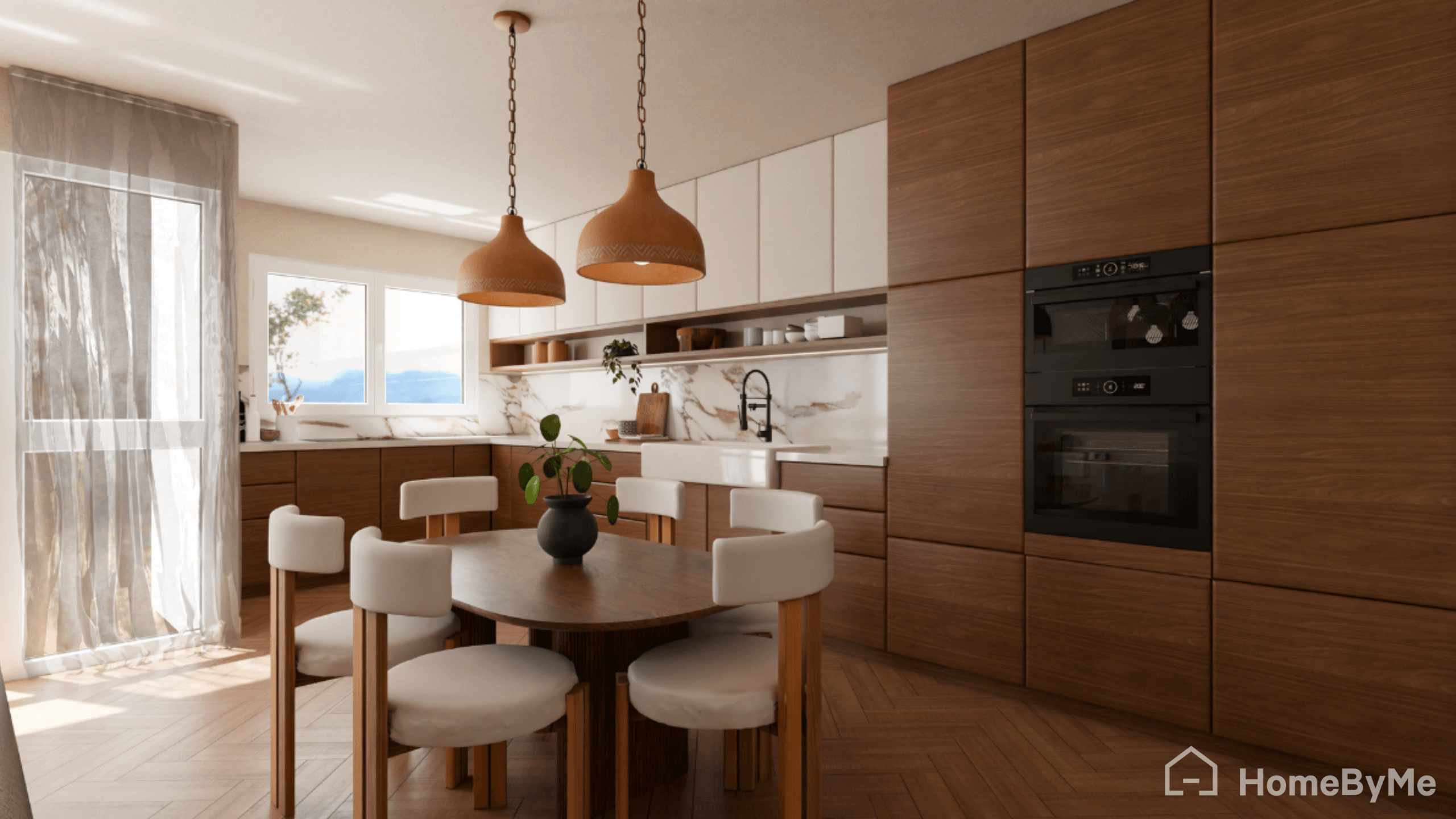
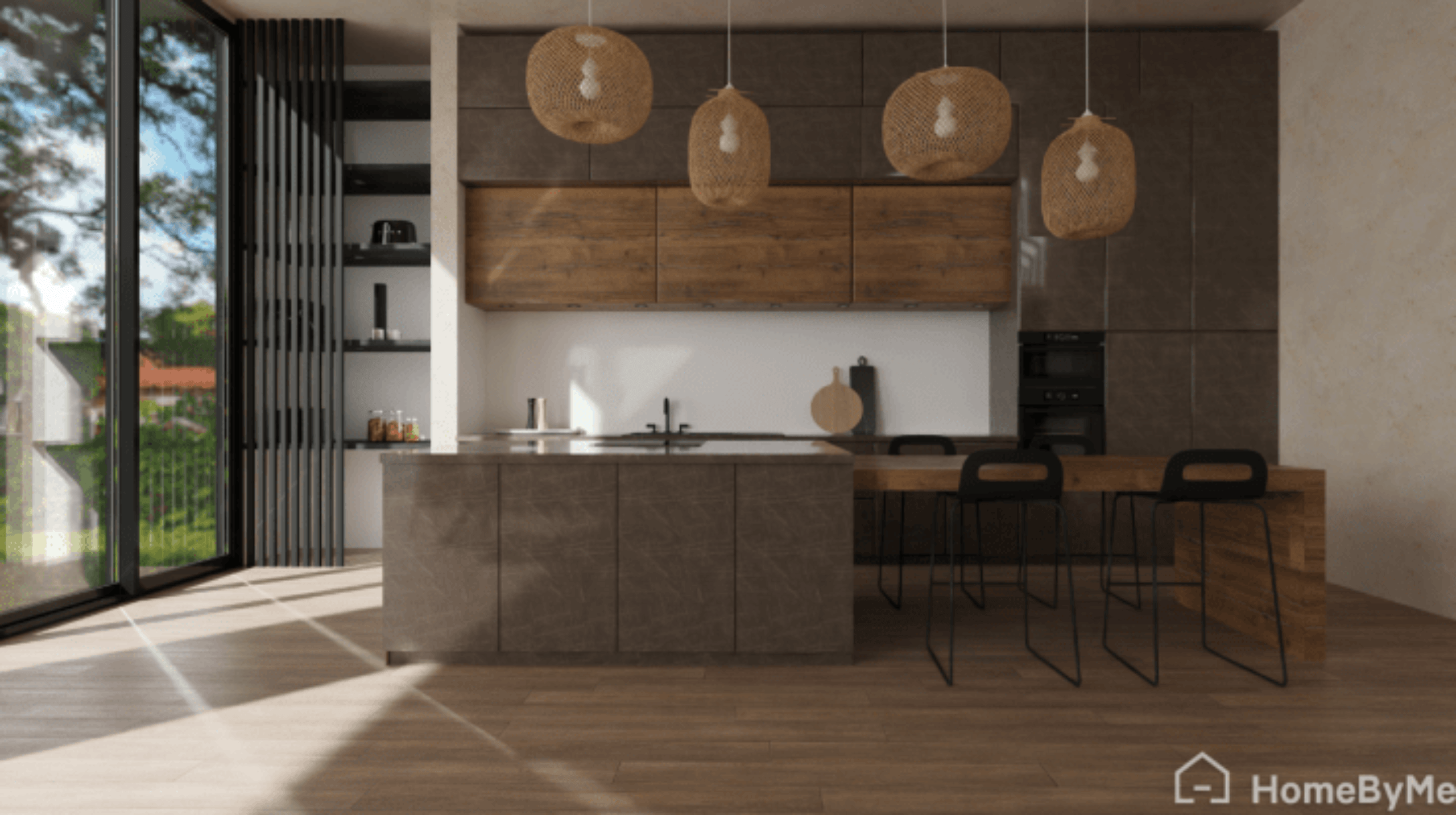
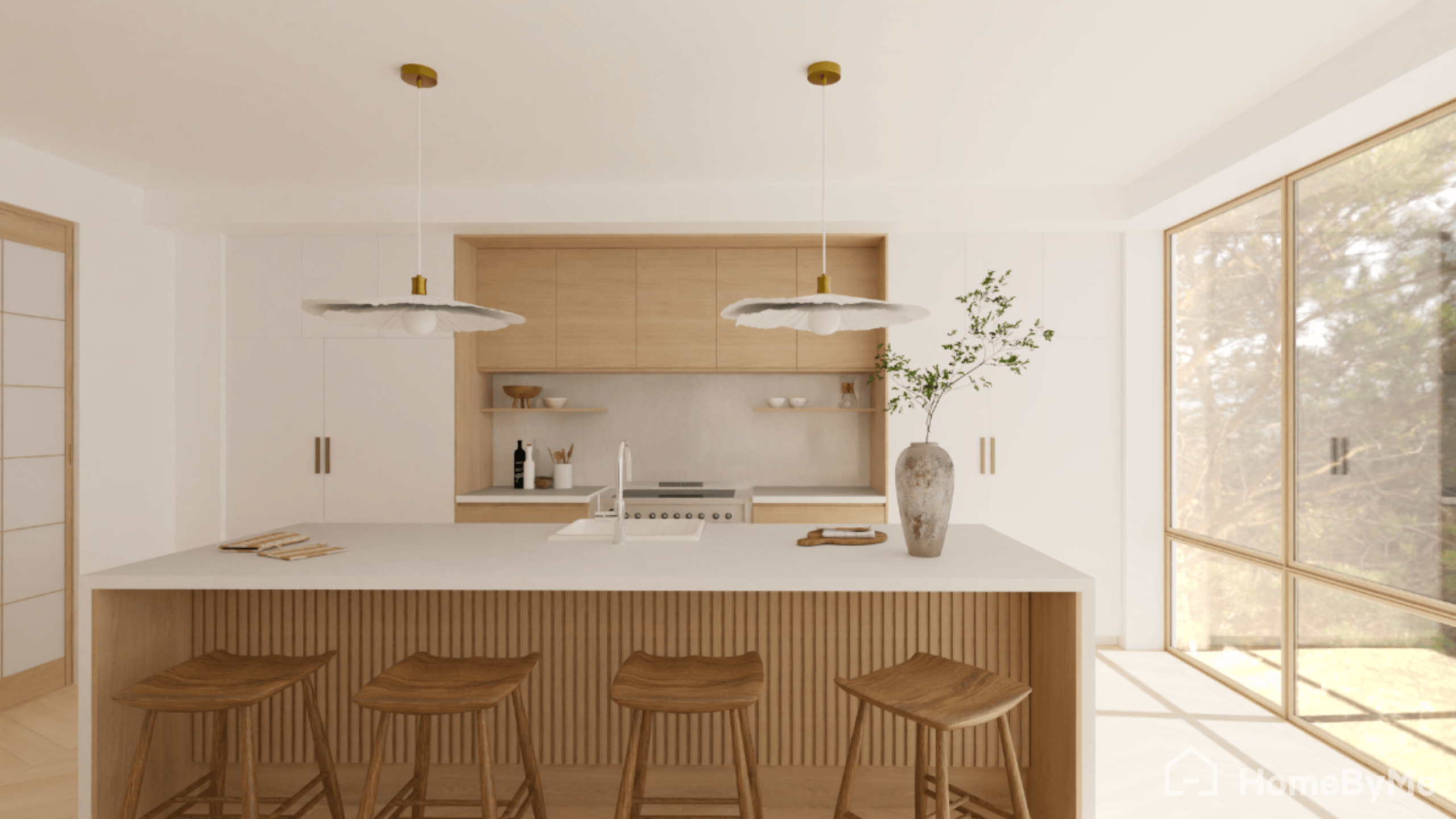
A 3D kitchen planner for homeowners and professionals
HomeByMe lets you simulate and design your kitchen in 3D with ease. Our kitchen layout planner is perfect for both homeowners and professionals in kitchen design, remodeling, and interior design.
With its user-friendly interface and advanced features, beginners and experts alike can create the perfect kitchen project.

Why choose our kitchen layout planner?
- Free and fully online, no download required
- Powerful 3D kitchen design tool free with real-time rendering
- User-friendly software tools for beginners, designers, and expert remodelers
- High-quality 4K visuals, immersive walkthroughs, and multiple view options
- Trusted by a global community of home designers

Frequently Asked Questions
Unlike basic tools, HomeByMe kitchen layout planner combines ease of use with advanced 3D features:
- Ultra realistic 3D rendering
- Selection of customization options
- Better user experience
- Free access with high quality results
Use free online tools like HomeByMe. Measure your space, select cabinets/appliances, drag-and-drop to create 2D/3D layouts, experiment with configurations (L/U/island), visualize, and share designs.
The 60-30-10 rule for kitchens is an interior design principle for balanced color schemes: use 60% dominant color (e.g., walls), 30% secondary color (e.g., cabinets), and 10% accent color (e.g., accessories) for visual harmony.
The 5 basic kitchen layouts are: One-Wall (Single Wall), Galley, L-Shaped, U-Shaped, and G-Shaped. These are commonly cited across design sources for their efficiency in various space sizes, with One-Wall suiting small areas, Galley for narrow spaces, L-Shaped for versatility, U-Shaped for storage, and G-Shaped as a U- extension.